HaiSnap turns a plain-language prompt into runnable AI code. Describe the app, game, landing page, or internal tool you want, preview it in your browser, and keep improving it through conversation.
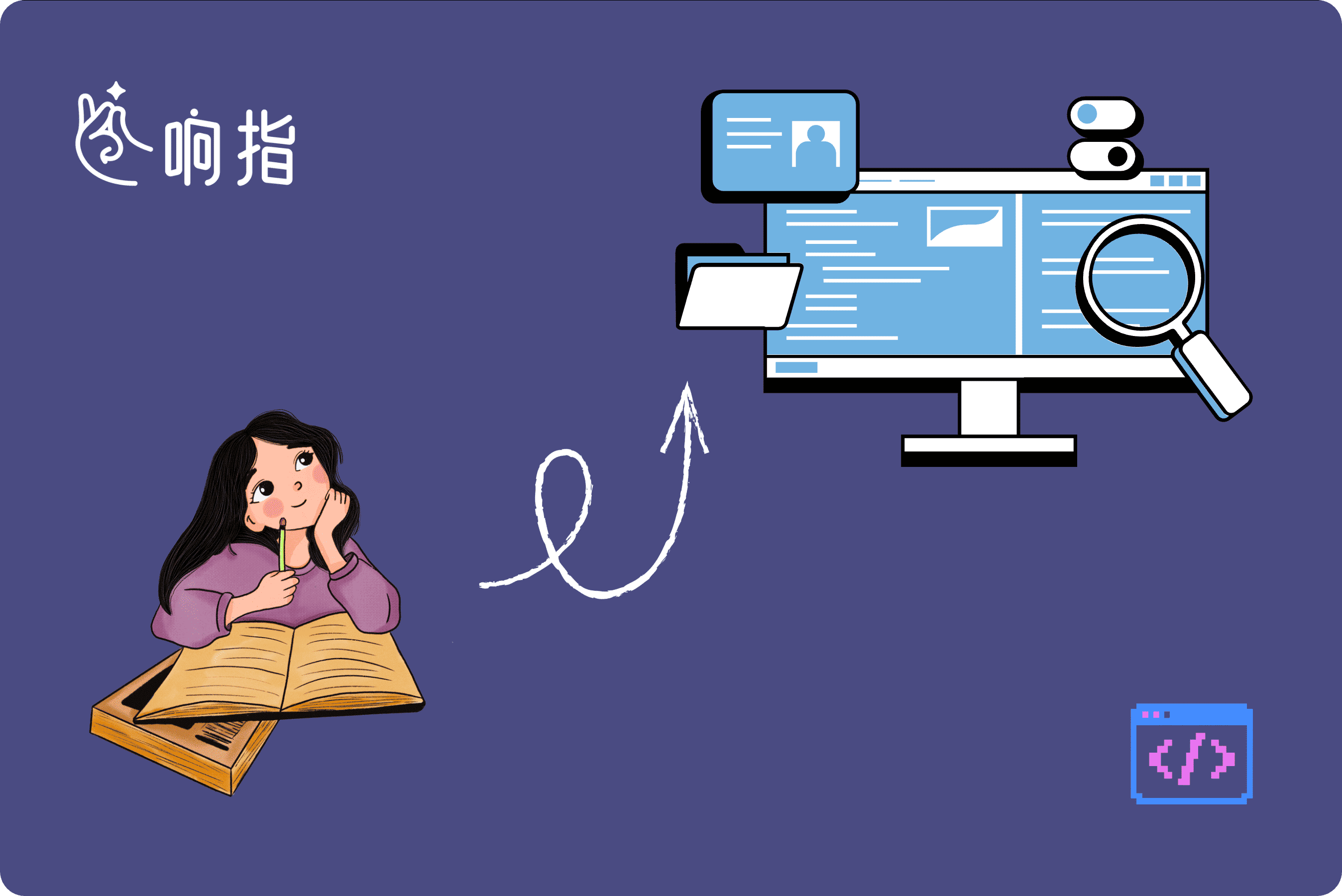
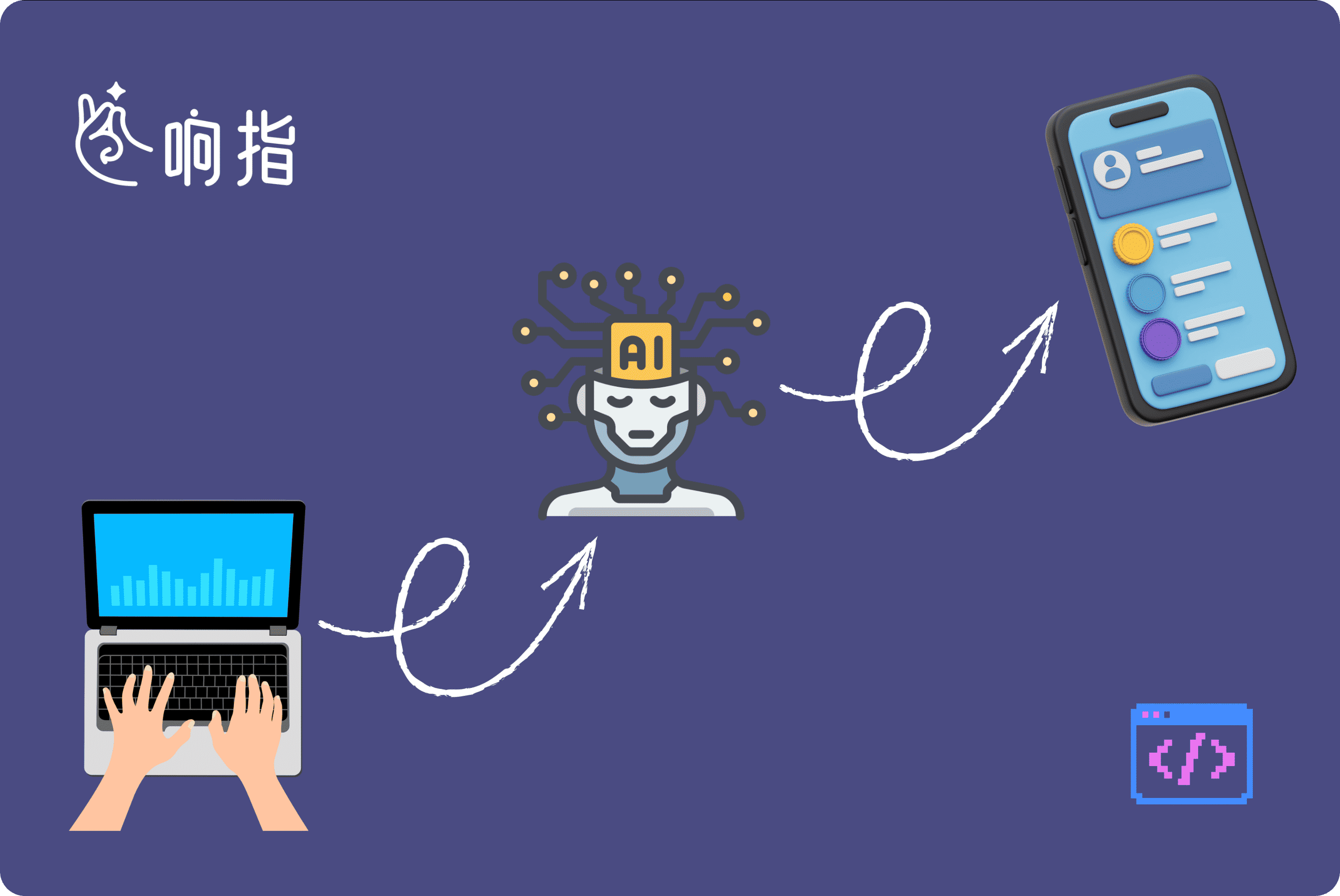
Tell HaiSnap what the app should do: a scorekeeping game, a booking form, a calculator, a dashboard, or a product demo. The AI coding tool turns the request into a structured plan and executable AI code.
Describe Your App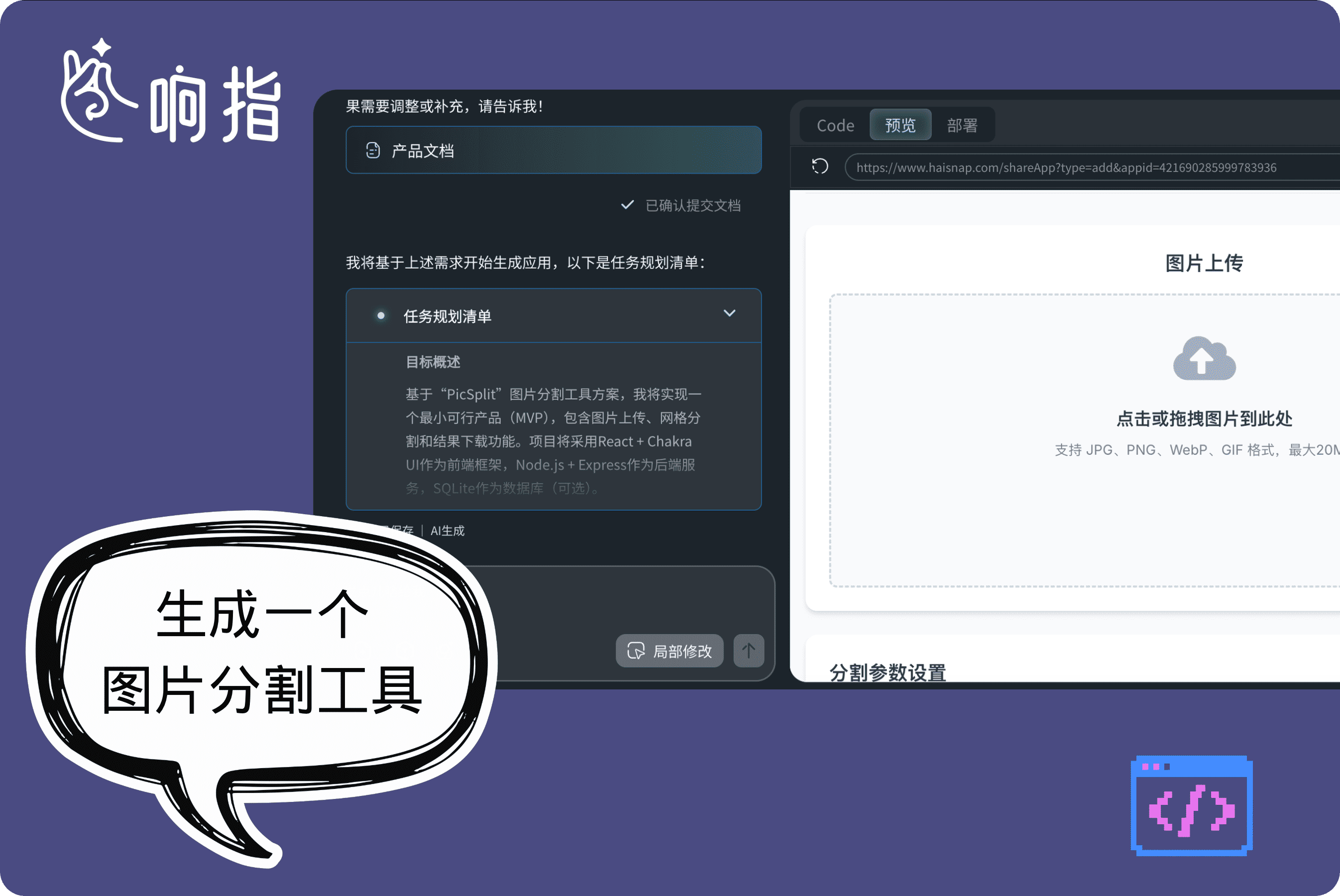
HaiSnap handles the first draft of logic, interface, and interaction together. Instead of staring at a blank editor, you get AI generated code and a working browser preview you can test immediately.
Build a Preview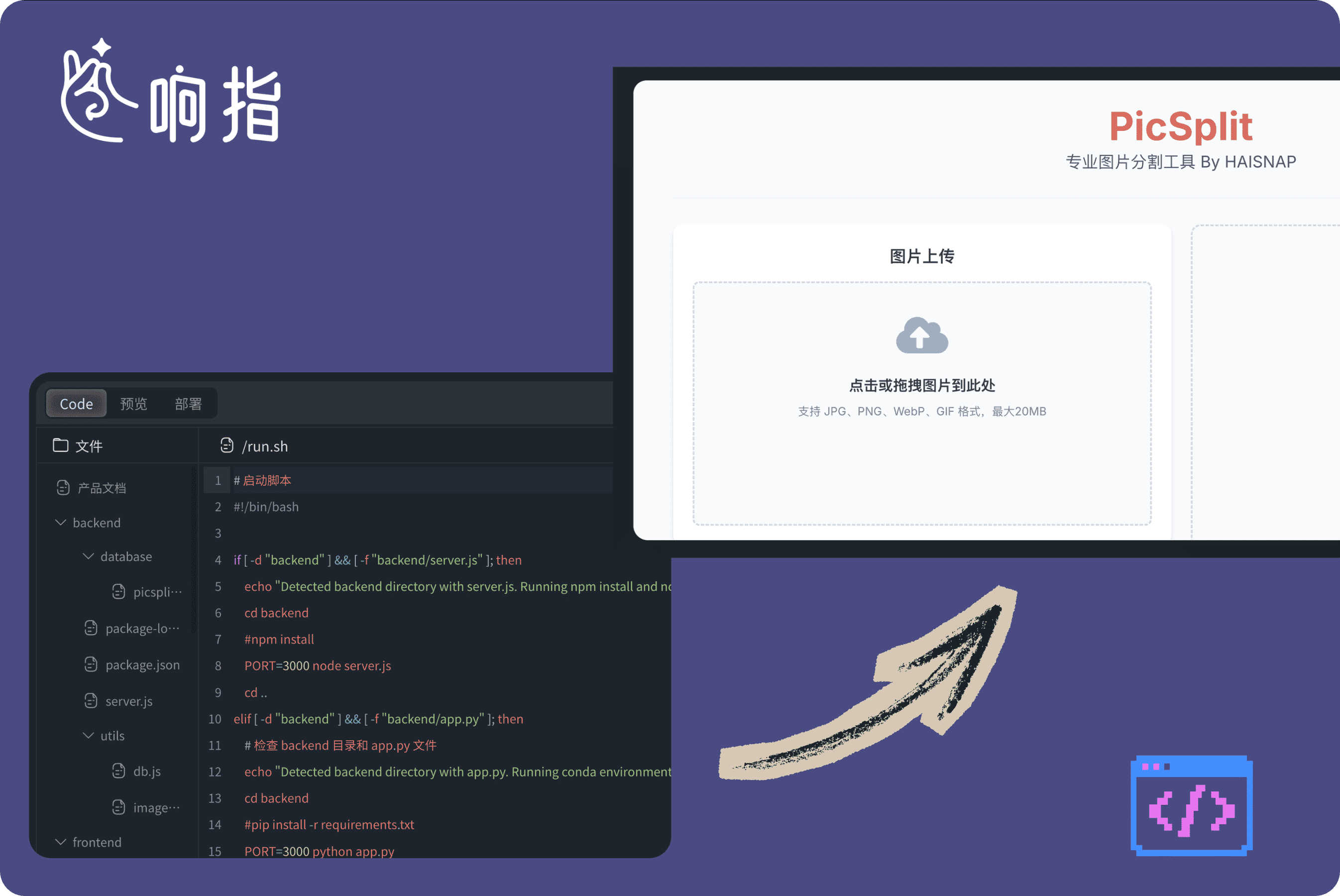
Every project generated by HaiSnap can be previewed in the browser. Ask for a new layout, different controls, better validation, or a changed interaction, and the AI coding assistant updates the app around your feedback.
Refine the Result
HaiSnap remembers the previous requirements, edits, and generated code. You can add features in later prompts without restarting, which makes it useful for prototypes that need several rounds of review.
Continue EditingOpen HaiSnap and describe the app, page, game, or workflow you want in natural language.
HaiSnap analyzes the request, creates the first version, and shows runnable AI code in a browser preview.
Keep chatting to change details, then share the app or use the source code as a development starting point.

Use HaiSnap as an AI coding assistant when you need to scaffold a component, test a small product idea, or create a proof of concept. The generated AI code gives you a practical starting point while you keep control over the final implementation.

Turn an interaction idea into something people can click. HaiSnap helps you move from mockup to prototype by generating AI code for web pages, demos, mini games, and interactive concepts without setting up a development environment.

Build small tools that are too specific for off-the-shelf software and too urgent for a long development cycle. Teams use HaiSnap as a no-code app builder for event games, forms, teaching demos, and internal utilities.
Wireframes helped me explain a flow, but they never felt like the real product. With HaiSnap, I describe the user journey and get a clickable prototype backed by AI code. Stakeholders can test the idea before we spend engineering time.
I use HaiSnap when I need to test a game mechanic quickly. I write the rules in plain English, get runnable AI code, and know within minutes whether the idea is worth improving.
Students understand programming faster when they can see an idea become an app. HaiSnap lets us generate AI code from a prompt, then inspect the logic together instead of starting from a blank editor.
For campaign ideas, we often need a small interactive page before the development queue opens. HaiSnap works like an AI app builder for the marketing team: describe the page, preview it, and adjust the interaction through chat.
Clients do not just want to see a screen; they want to feel it. I use HaiSnap to turn layout ideas into interactive web prototypes with AI generated code, then refine the motion and copy in context.
We are a small team, so every custom tool used to become a tradeoff. HaiSnap lets us generate code from prompt for forms, trackers, and internal dashboards without waiting for a full sprint.
Yes. HaiSnap is built for natural language to code workflows. Describe the app, game, or web tool you want, and HaiSnap generates runnable AI code plus a browser preview. You can keep asking for changes without writing code by hand.
You can build browser-based apps, interactive prototypes, mini games, marketing pages, forms, dashboards, and small internal tools. Each project can be previewed in the browser and shared with a link.
Yes. HaiSnap provides the generated source code so you can learn from it, hand it to a developer, continue editing it through chat, or use it as the starting point for your own deployment.
No. Developers can use HaiSnap as an AI coding assistant for quick prototypes, but product managers, designers, teachers, marketers, founders, and non-technical teams can also use it as an AI app builder.