



Photography Website BuilderTurn Your Best Work into a Reason to Inquire
Your Portfolio Should Show More Than What You Photographed
It should reveal how you see, what you are trusted to capture, and what it feels like to work with you. Bring the images, services, and story together in a photography website designed to start the right conversation.
Create a Photography Website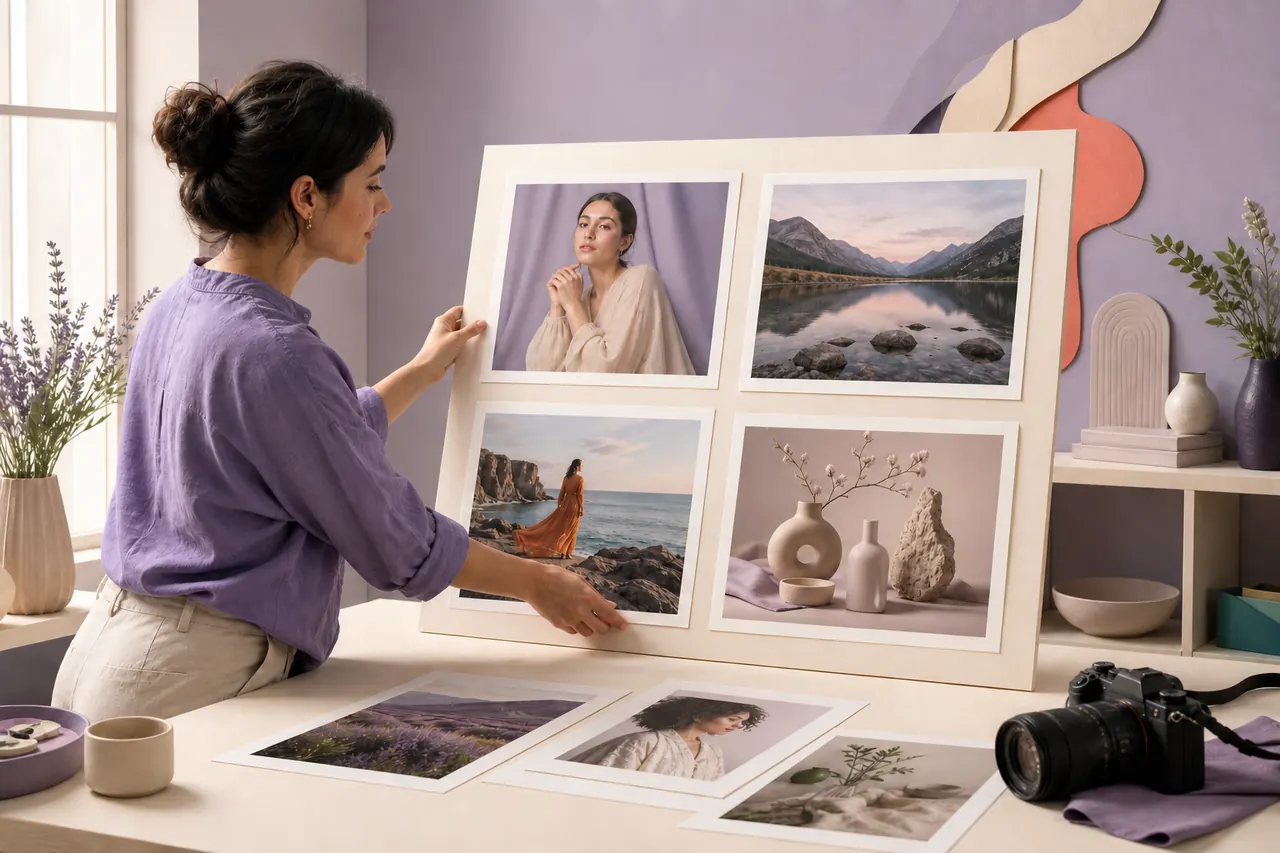
Build a Photography Website Around the Work You Want Next
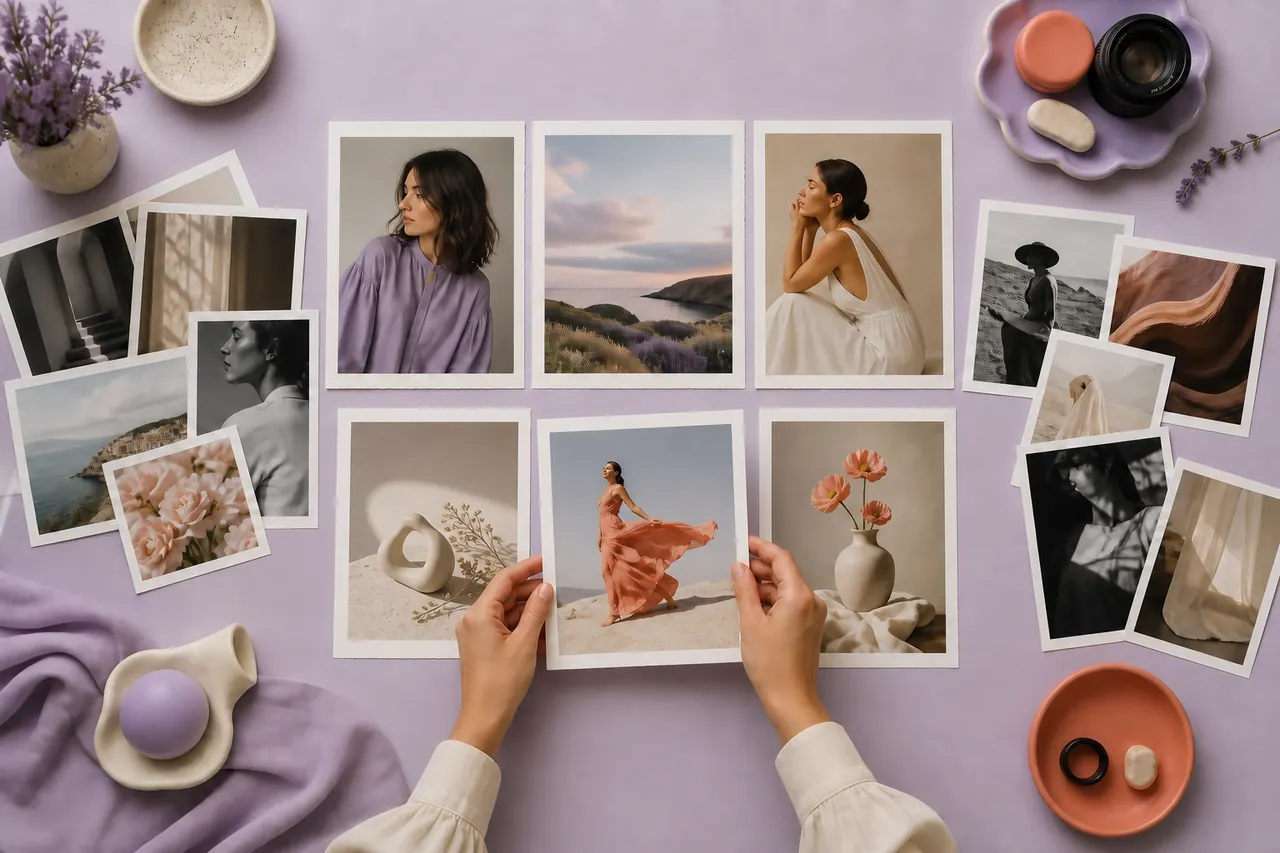
Curate the Work You Want to Be Hired For
A photography website should feel more intentional than a folder of recent images. Shape galleries around the assignments you want next, keep each project focused, and give visitors enough context to understand the eye and experience behind the work.

Connect Every Gallery to a Clear Service
Beautiful photographs earn attention, but clients still need to know whether you are right for their day, campaign, or portrait session. Pair the portfolio with clear services, an approachable process, and practical answers that help the right person keep moving.

Turn Interest into a Useful Project Inquiry
Make the next step feel as considered as the portfolio. Guide visitors from the work they connect with to an inquiry page that asks for the project, timing, location, and context you need to begin a productive conversation.
What a Strong Photography Portfolio Needs to Do

Let the Photographs Set the Pace
Build a visual rhythm with purposeful image sizes, breathing room, and gallery groupings. The layout should support the work instead of competing with it.

Keep Every Gallery Comfortable on Mobile
Prospective clients often discover a photographer on their phone. Plan a responsive portfolio where images stay clear and the path to services or contact remains easy to follow.

Make the Next Conversation Obvious
Use focused service pages, location or specialty context, and a thoughtful inquiry path so visitors know what you photograph and how to start a project with you.
Photography Websites for Different Kinds of Work
Wedding and Elopement Photographers
Show complete celebrations, explain your approach to the day, answer planning questions, and help couples move from a gallery they love to a confident inquiry.
Portrait and Family Studios
Organize portraits by session type, set expectations for the experience, share preparation guidance, and give families or personal-brand clients a clear place to begin.
Commercial and Product Photographers
Present selected campaigns as case studies, separate specialties, and connect the visual outcome to the brief, production context, and services behind the shoot.
Travel, Editorial, and Fine Art Photographers
Create a quieter portfolio for visual stories, personal projects, publications, exhibitions, or print inquiries without forcing the work into a generic business template.
How to Create a Photography Website with AI
Describe Your Photography and the Clients You Want
Share your specialties, visual style, location, services, strongest bodies of work, and the action you want a visitor to take. A rough creative brief is enough to start.
Generate a Portfolio Structure Around the Work
HaiSnap turns that direction into a photography website with a clear opening, purposeful galleries, service context, an about story, and a natural path toward contact.
Refine the Story and Prepare the Site to Share
Review the site on desktop and mobile, replace the starting content with your strongest images and voice, adjust the gallery order, and keep refining the generated site before you publish or continue with the code.
When the Portfolio Starts Working Like Part of the Business
My strongest work finally has a reason for being there
I had plenty of finished images, but my old site felt like an archive. HaiSnap helped me shape the portfolio around the assignments I want, with a clearer path from each gallery to the services I offer.
Couples can understand the experience before they inquire
I wanted the site to show more than a highlight reel. Bringing full wedding stories, my approach, and the inquiry process into one clear flow helps couples decide whether the way I work feels right for them.
The portfolio now feels calm enough for the portraits
My sessions are relaxed and personal, but the previous site made everything feel crowded. Starting with a quieter structure gave the photographs room and made the path from session details to contact much easier to follow.
Photography Website Builder Questions, Answered
What is an AI photography website builder?
An AI photography website builder turns your specialties, style, services, gallery plan, and business goals into a website draft. It helps you begin with a useful portfolio structure and client journey instead of arranging every page from a blank canvas.
What should a professional photography website include?
Most professional photography websites need a focused homepage, selected galleries or projects, clear services, an about page, and an inquiry or contact page. Depending on your work, you may also need location information, pricing guidance, FAQs, publications, or print details.
Is a photography website different from an online gallery?
Yes. An online gallery primarily presents or delivers images. A photography website also explains who you serve, how you work, what you offer, and why a prospective client should contact you. The strongest sites connect the portfolio to that larger story.
Can I create a photography portfolio website without coding?
Yes. Describe the website you want in plain language and use HaiSnap to create a starting site. You can refine the layout, sections, and content through prompts, then continue with the generated website without building the initial structure by hand.
How many photos should I put on my photography website?
There is no universal number. Choose enough images to show consistency, range, and complete visual stories without making visitors search through every photograph you have made. A smaller, well-edited portfolio is often clearer than a large archive.
How can I make a photography website easier to find in search?
Use descriptive page titles, project context, accurate image alt text, and clear service or location pages where they genuinely match your work. Keep image files appropriately sized so galleries remain usable, and write for prospective clients rather than repeating search phrases.
Can I update the site when my portfolio changes?
Yes. A photography website should evolve with the work you want to show. You can revise the gallery order, service focus, project descriptions, visual direction, and contact path as your style or business changes.
Give Your Best Work a More Intentional Home
Start with the photographs, specialties, and clients you care about. HaiSnap helps turn that direction into a photography website you can keep shaping as your portfolio grows.