

Restaurant Website BuilderGive Every Guest a Clear Way to Plan Their Visit
A Restaurant Website Should Make the Next Visit Feel Simple
Guests should be able to understand the food, the feeling, and the practical details in one place. Turn the information already running through your restaurant into a site that helps people decide, book, order, or find you.
Create a Restaurant Website
Build a Restaurant Website Around How Guests Really Plan
Put the Details Guests Need Before They Have to Ask
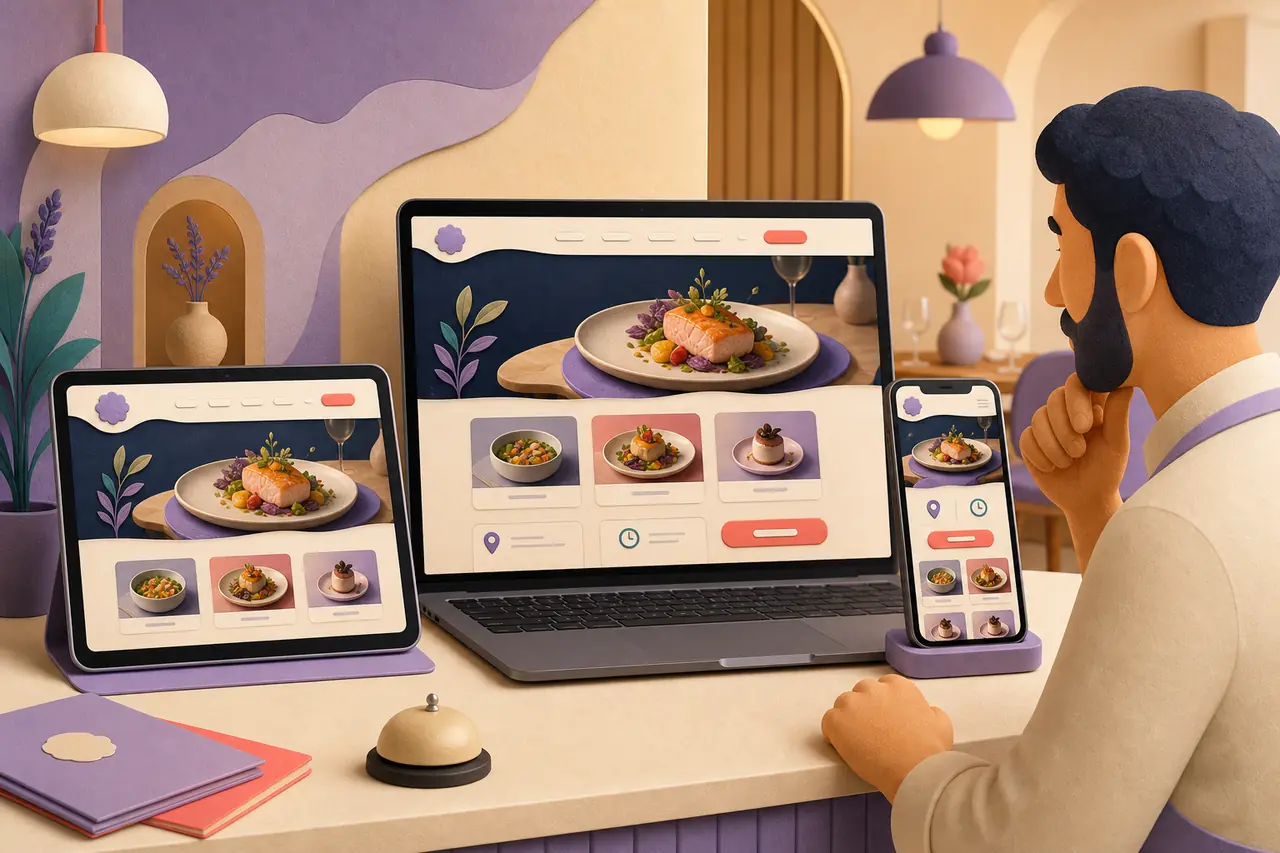
A restaurant website should answer the practical questions before a guest reaches for social media or calls the host stand. Bring together your hours, address, menu, reservations, dietary notes, parking, and the small details that make a visit easier to plan.
Make the Menu Part of the Decision to Visit
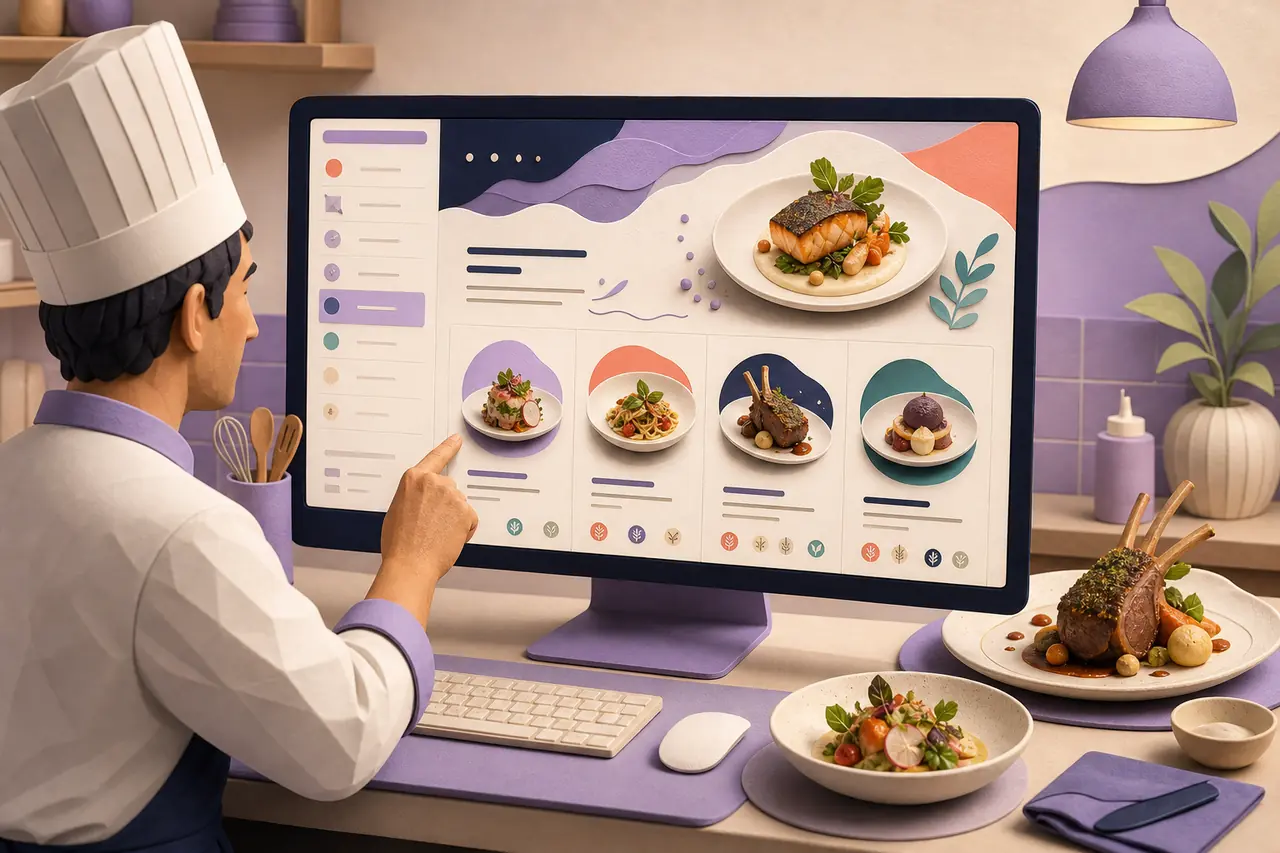
Your menu is not just a list of dishes. Give guests enough context to understand the food, the occasion, and what makes the restaurant worth choosing. Organize it for a quick look on a phone while leaving room for seasonal updates and useful dietary information.
Create a Clear Path from Discovery to a Table
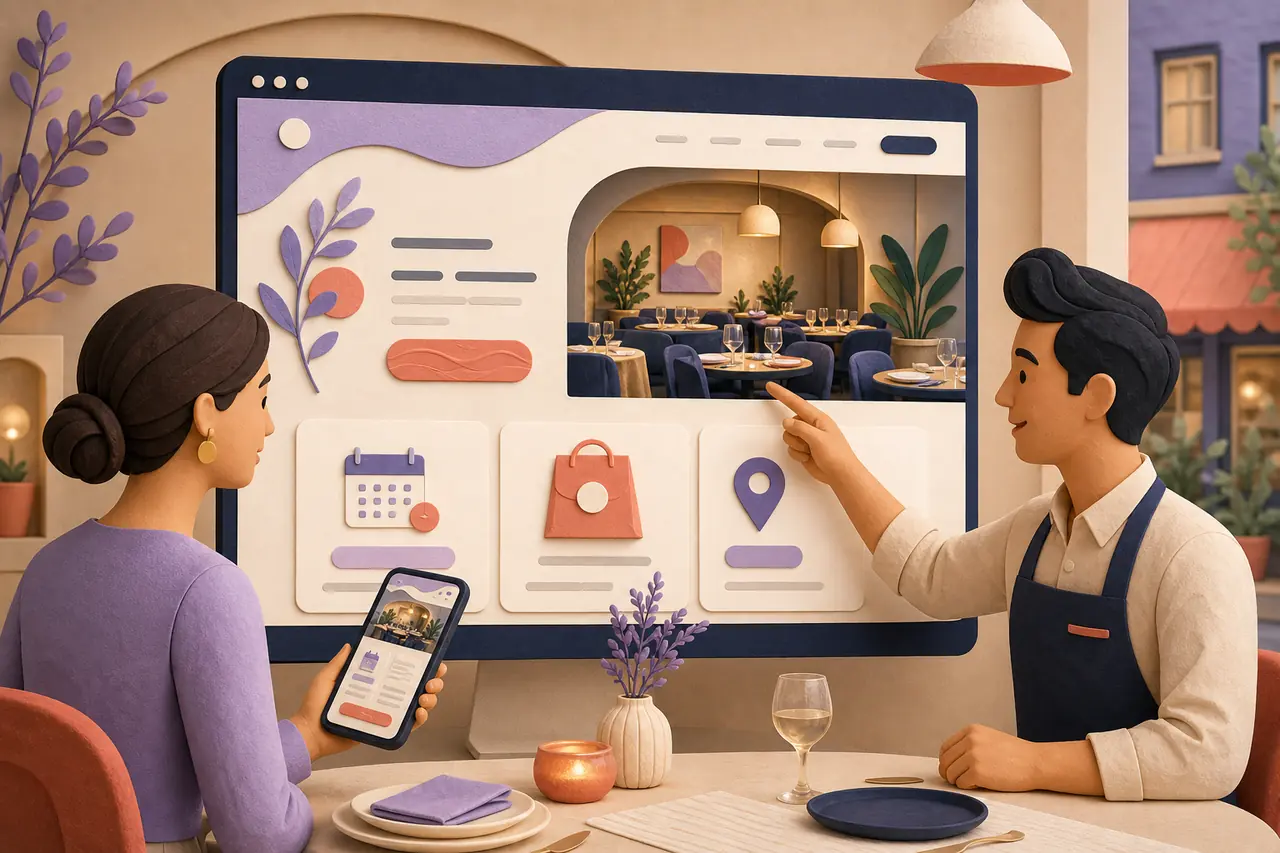
Whether someone finds you through a local search, a recommendation, or a social post, the next move should be obvious. Guide visitors to book, order, get directions, or ask about an event without burying the essentials beneath a generic restaurant template.
What a Useful Restaurant Website Needs to Do

Tell Guests What Kind of Visit to Expect
Use the opening of the site to make the restaurant's food, atmosphere, neighborhood, and occasion clear. A guest should quickly know whether you are the right choice for tonight, a celebration, or a casual stop by.

Keep the Essentials Easy to Find on Mobile
Most restaurant decisions happen between plans. Structure the site so guests can find the menu, hours, location, reservations, and ordering options comfortably from a phone.

Give Every Local Search a Useful Next Step
Connect the restaurant story with practical location details, clear contact information, and a relevant action. That helps visitors move from discovering the restaurant to making a real plan.
Restaurant Websites for Different Ways of Serving Guests
Independent Restaurants and Bistros
Present the menu, the people behind it, and the dining experience in one place—then make it simple to reserve a table, find the restaurant, or plan a first visit.
Cafés, Bakeries, and Daytime Concepts
Keep the daily rhythm clear with hours, takeaway information, seasonal specials, catering details, and the visual personality that gives regulars a reason to return.
Fine Dining and Chef-Led Restaurants
Create a more considered path for tasting menus, wine pairings, reservations, private dining, and the craft behind the kitchen without making the site feel distant or difficult to use.
Food Trucks, Pop-Ups, and Caterers
Give changing locations, weekly schedules, signature dishes, event availability, and catering inquiries a dependable home outside a fast-moving social feed.
How to Create a Restaurant Website with AI
Describe the Restaurant and the Guest Experience
Share the restaurant type, cuisine, location, service style, menu highlights, hours, reservation or ordering path, and the feeling you want guests to have before they arrive.
Generate a Site Around a Real Visit
HaiSnap turns that direction into a restaurant website with a clear opening, menu context, essential visit information, your story, and calls to action that fit the way guests plan.
Review the Details and Keep the Site Current
Replace the starting copy with your real menu, policies, photos, and links. Review the journey on desktop and mobile, then refine the generated site as the menu, schedule, or restaurant evolves.
When Guests Can Find the Restaurant Before They Need to Ask
Guests can decide to come in without chasing us across three apps
Our old site had the address but none of the details people actually asked for. Starting with the menu, dinner hours, reservations, and a little of our story gave guests one place to decide if tonight was the night to visit.
The site finally matches the care we put into the dining room
We did not need a louder website. We needed one that explained the experience, made the tasting menu feel approachable, and handled practical questions before someone booked. The first structure gave us a much better place to begin.
The weekly schedule is no longer hidden in a social post
Our location changes, so guests kept asking where to find us. Having a simple site for the current schedule, menu, catering, and contact information made it much easier for people to make a plan and for us to keep the details updated.
Restaurant Website Builder Questions, Answered
What is a restaurant website builder?
A restaurant website builder helps you create a site around the information guests use to plan a visit: your menu, hours, location, reservations, ordering options, events, and restaurant story. HaiSnap uses your description to create a useful first website draft that you can refine.
What should a restaurant website include?
Most restaurant websites should include the restaurant name and concept, current hours, address and directions, menu, reservation or ordering link, contact details, and a clear view of what the dining experience is like. Depending on the business, private dining, catering, events, parking, accessibility, and dietary information may also help guests plan.
Can I make a restaurant website without coding?
Yes. Describe your restaurant in plain language and use HaiSnap to create a starting site. You can refine the layout, content, sections, visual direction, and calls to action through prompts without building the initial structure by hand.
How can I show my restaurant menu online?
Start with a menu that is easy to scan on a phone and organize dishes into clear sections. Include enough detail to help guests choose, such as ingredients or dietary notes when relevant. Keep seasonal or frequently changing items easy to update so the site stays useful.
Should my restaurant website link to reservations and online ordering?
Usually, yes. If reservations, takeaway, delivery, or event inquiries are part of how guests use the restaurant, give each path a visible, plainly labeled link. The goal is to help visitors take the next relevant action without searching through the site.
Can I update a restaurant website when my hours or menu change?
Yes. Restaurant information changes often, so treat the generated website as a working site. You can revise the menu, hours, events, reservation links, visual direction, and copy as the business changes.
How can a restaurant website help local guests find us?
Make the restaurant name, location, hours, contact details, and directions easy to find. Add useful page context about the cuisine, neighborhood, and visit experience where it genuinely helps guests. Clear, accurate information is more useful than repeating search phrases.
Give Your Restaurant a Better Starting Point Online
Bring the menu, service details, and restaurant story you already have. HaiSnap helps turn them into a restaurant website guests can use before their next visit.