
Doc to PPTTurn DOC Files into Presentation-Ready Slides
Turn DOC Files into Slides People Can Act On
Keep the document that holds the detail, then create a presentation that brings its purpose, key context, and next decision into focus for the room.
Convert Doc to PPT
Why Use HaiSnap for Doc to PPT?
Start with the DOC File You Already Use
Bring in a project brief, proposal, guide, or memo instead of reconstructing the material on blank slides. Your source document becomes the practical starting point for the presentation.

Give Important Sections a Presentation Role
A DOC file is made for careful reading. HaiSnap helps reshape its sections into context, key points, evidence, and decisions that are easier to follow in a room.
Keep the Result Ready to Edit and Share
Use the first draft to check the story, adjust the pacing, and make final changes. You get PowerPoint slides you can refine for the people who need to see them.
From DOC File to a Clearer Presentation

Turn a DOC File into a Deck with a Clear Starting Point
When the material already lives in a DOC file, rebuilding it in a presentation app creates unnecessary work. Doc to PPT starts with the source you have and turns it into a slide-ready draft you can use to move the conversation forward.

Make the Main Message Easier to Scan
Documents can hold useful context, but meetings need the point sooner. HaiSnap helps bring the purpose, supporting evidence, tradeoffs, and next decision into an order that works as slides.
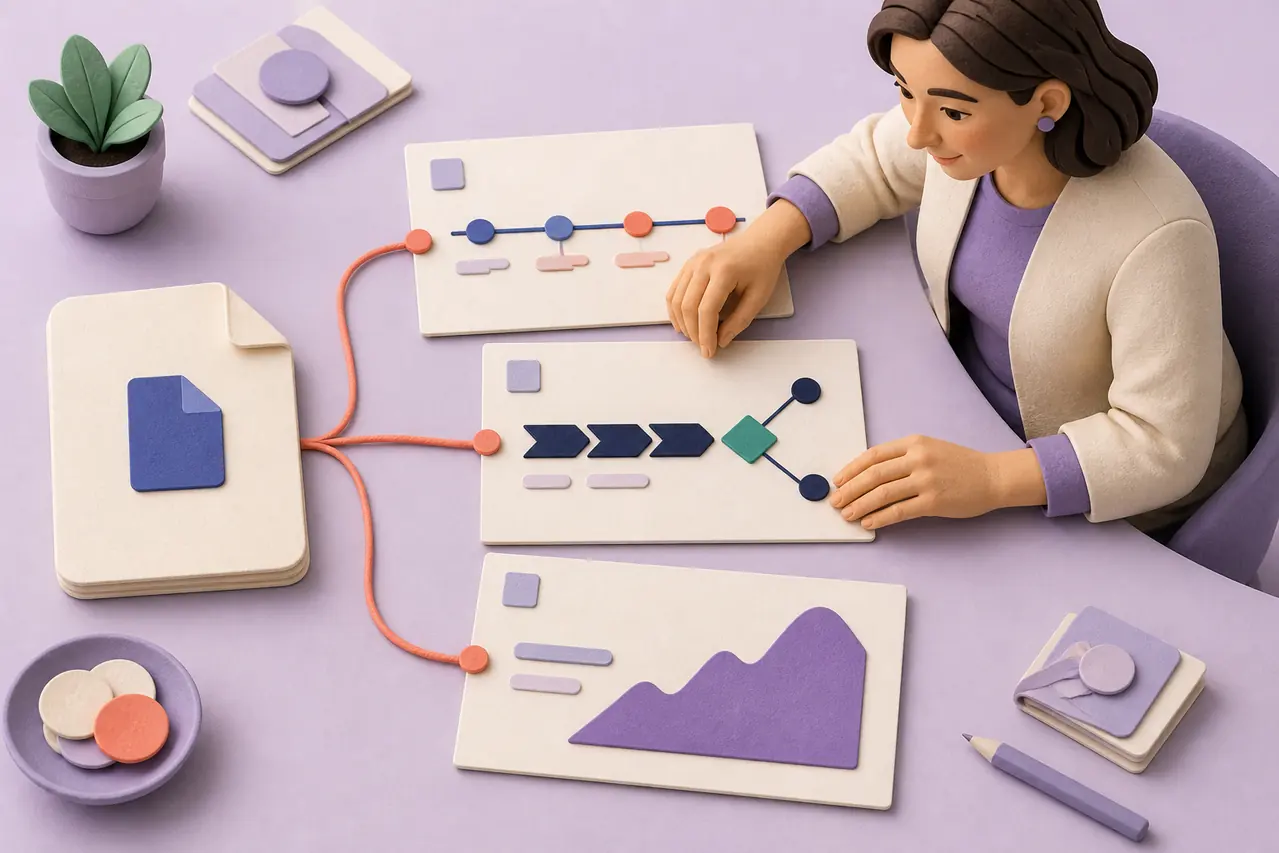
Create PowerPoint Slides Without Losing the Context
A good presentation does not copy every paragraph. It keeps the details that help people understand the recommendation, while giving the most important message enough space to land.
Doc to PPT Use Cases

Move a Project Brief into a Kickoff Deck
Turn a DOC brief into a clearer starting point for a project meeting. Organize the goal, scope, ownership, milestones, and open questions into slides the team can align around.

Bring a Client Proposal into the Room
Use the proposal you already prepared to create a presentation for the review. Give the challenge, recommendation, delivery plan, and decision request the right emphasis for the conversation.

Make Training Documents Easier to Present
Transform a DOC training guide, policy summary, or lesson document into slides that surface the core ideas, examples, and discussion points in a sequence people can follow.
How to Convert DOC to PPT
Upload a DOC File or Describe the Material
Add the document you want to present, or explain the subject, audience, and outcome you need. Include any sections that must be part of the slide deck.
Generate a Presentation Draft
HaiSnap turns the DOC content into a presentation flow, so the key message and supporting points have a clearer place in the story.
Refine the Slides Before You Share
Review the PowerPoint draft, adjust wording or emphasis, then use the editable slides for a meeting, workshop, client review, or team update.
Who Is Doc to PPT For?
Project and Operations Teams
Turn planning documents, project charters, process notes, and internal updates into slides for a kickoff, review, or decision meeting.
Consultants and Client Teams
Move from a written proposal or recommendation to a presentation that makes the main direction easier for clients to discuss and approve.
Educators and Training Leads
Use a DOC lesson plan, guide, or learning material to build slides that give a session more structure without rewriting the whole source.
Business and Leadership Teams
Bring an internal memo, business case, or status document into a concise set of slides that makes the decision and next action visible.
From Detailed Documents to Presentations People Can Use
The project brief now starts the meeting in the right place
Our DOC brief has the milestones, owners, and constraints, but reading it aloud was never a useful kickoff. HaiSnap gives us slides that surface the decisions and questions early, so the team can spend the meeting aligning on the work.
The training guide became something people could follow live
I keep the full detail in a DOC guide, but a live session needs a simpler path. The presentation draft helps me keep the essential examples and sequence visible without recreating the course from scratch.
A proposal can become a real discussion, not another attachment
I often prepare recommendations in a DOC file before the client review. Turning it into slides makes the rationale and decision request much easier to discuss, while I still keep the written version for the detail.
Our memo no longer hides the action we need
The important part of an internal memo is usually one decision, but it can get lost among the background. HaiSnap gives me a deck that leads with the action and keeps the supporting context close at hand.
I can teach from the document without presenting the document
I write detailed program notes so facilitators have everything they need. With a slide version, I can guide the group through the core concepts and keep the deeper source material available for follow-up.
Doc to PPT Questions, Answered
What is a Doc to PPT converter?
A Doc to PPT converter turns the content in a DOC file into a PowerPoint presentation draft. It helps turn a document into a sequence of slides instead of requiring you to rebuild the material one slide at a time.
How do I convert a DOC file to PowerPoint online?
Upload the DOC file or describe the material you want to present, explain the audience and goal, then generate a presentation draft. Review the flow and refine the editable PowerPoint slides before sharing them.
Can I turn a DOC file into slides for a meeting?
Yes. A project brief, proposal, guide, memo, or training document can become a useful starting point for meeting slides. The goal is to give the most important context and decision points a clearer presentation order.
Will every paragraph in my DOC file become a slide?
No. A presentation works best when it focuses on the sections and details an audience needs to understand. Related material may be combined, while an important decision or recommendation may need more space.
Can I edit the PowerPoint after converting DOC to PPT?
Yes. Doc to PPT gives you an editable presentation draft. You can adjust the wording, emphasis, layout, and slide order so the deck fits your audience before you present or send it.
What is the difference between Doc to PPT and Word to PPT?
Doc to PPT is focused on the direct DOC-to-slides conversion intent. Word to PPT is useful when you are working broadly with Word document content. Both help turn written material into editable PowerPoint presentations.
What types of documents work well for Doc to PPT?
Project briefs, client proposals, training guides, planning documents, internal memos, business cases, research summaries, and lesson materials can all be useful sources for a presentation draft.
Make the DOC File You Already Have Easier to Present
Start with the written material you trust, then create editable PowerPoint slides that help the right people see the point and discuss what comes next.