




AI Report Generator Online
From Text to Report, Let HaiSnap AI Shape the Draft

AI Report Generator for Work, Research, and Business
Use HaiSnap AI as an AI report maker to turn notes, documents, or raw ideas into structured reports. Generate reports with AI for business analysis, research summaries, project updates, and daily work.
Generate Report with AI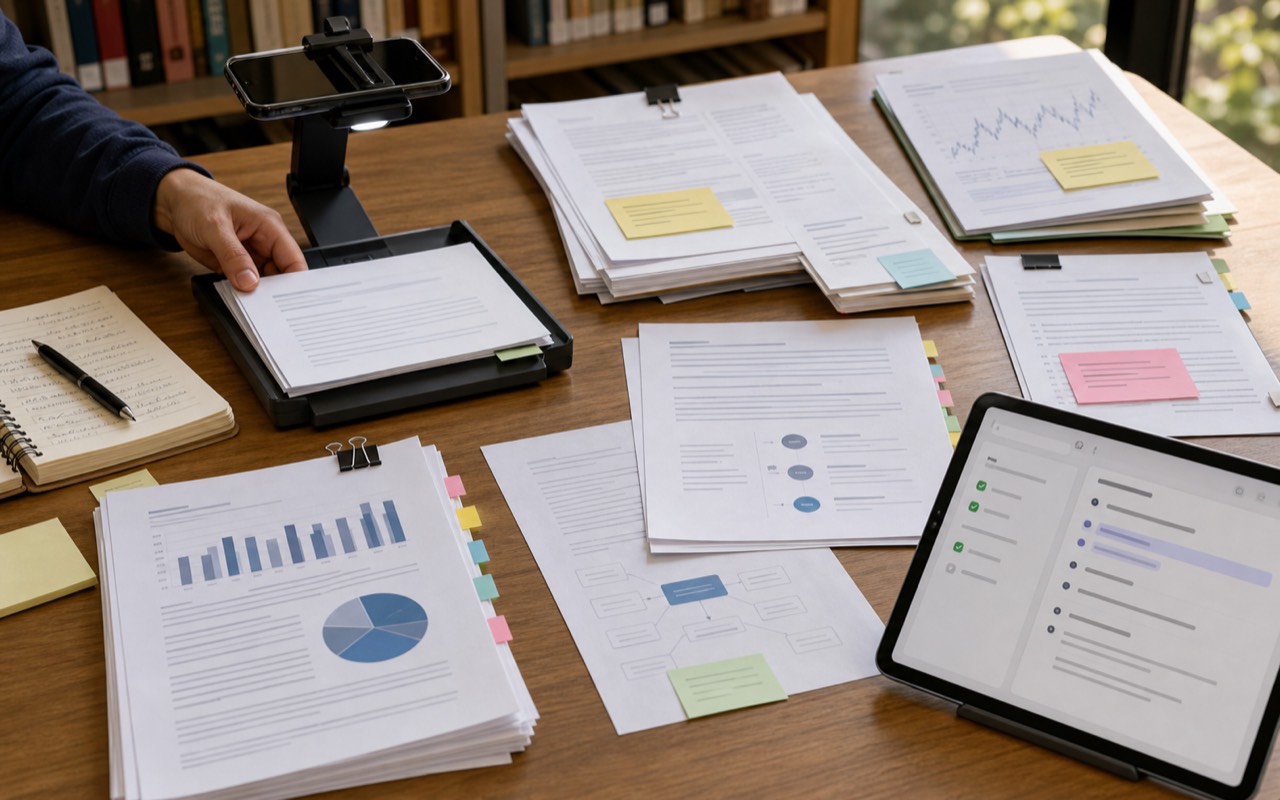
Structured Reports from Documents
Upload files and let HaiSnap AI organize the key information into clear sections. It is useful when you need an AI report generator from text, documents, or research materials.
Turn Text to Report
Clear Summaries for Business
Use the AI report maker to extract important points, reduce clutter, and create concise business summaries for faster decision-making.
Create Business Summary
Editable Drafts for Work
Generate report with AI, then refine the wording, adjust sections, and polish the final draft for your specific audience.
Draft a Report
Professional Report Formatting
HaiSnap AI helps shape your report with a clean flow, readable structure, and professional wording suitable for work, research, and business use.
Format My ReportHow HaiSnap AI Report Generator Works
Understands Your Input
HaiSnap AI reads your topic, notes, text, or uploaded documents to understand the main ideas, context, and purpose behind your AI report.
Organizes Key Information
The AI report maker groups important points into a clear structure, helping you turn scattered content into a report that is easier to read and refine.
Generates a Report Draft
HaiSnap AI helps you generate report with AI by turning organized information into a professional draft with sections, summaries, and editable wording.
Powerful AI Report Features for Work

Text to Report in Minutes
Turn raw notes, ideas, or pasted text into a structured AI report without starting from a blank page.

Documents Into Structured Reports
Upload reference files and let HaiSnap AI organize the important points into sections, summaries, and follow-up recommendations.

Business Summary Support
Use the AI report generator for business reviews, campaign analysis, project updates, and internal team summaries.

Editable Report Drafts
Review, rewrite, expand, or shorten the generated draft so the final report matches your audience and purpose.

Professional Formatting
Move from scattered information to a clear report flow with useful headings, readable summaries, and polished wording.
Who Can Benefit from HaiSnap AI Report Generator?

Business Professionals
When your notes look like they survived three meetings and a coffee spill, HaiSnap AI helps turn them into a clear AI report for updates, reviews, and business decisions.

Researchers and Students
Use the AI report generator to shape research notes, reading materials, and rough findings into structured drafts, so you spend less time staring at a blank page.

Marketing Teams
Turn campaign results, customer insights, and performance notes into reports with AI. Great for weekly recaps, client updates, and urgent summary work.

Consultants and Agencies
The AI report maker helps organize strategy notes, analysis, and client materials into professional reports without rebuilding the structure from scratch every time.

Project Managers
Use HaiSnap AI to turn task updates, meeting notes, and team feedback into a readable progress report before the next status meeting sneaks up on you.

Anyone Who Writes Reports Often
If write a report appears on your to-do list more than you would like, HaiSnap AI can help you generate report with AI and get to a usable first draft faster.
What Users Say About HaiSnap AI Report Generator
HaiSnap AI turned my campaign notes into a clear AI report before I had time to open a blank doc. I still polish the final version, but the hard part is already done.
I use this AI report generator for client summaries and business reviews. It helps me turn scattered inputs into something readable without rewriting everything from zero.
Our finance notes used to live in five spreadsheets and three chat threads. HaiSnap AI helps turn that chaos into a structured report draft we can actually use.
The AI report maker is useful when I need a quick research summary. I paste notes, get a clean structure, and then add my own judgment on top.
I use HaiSnap AI to generate reports with AI for product updates. It gives me a solid first draft before the team asks where the report is.
Frequently Asked Questions
Can AI make a report?
Yes. HaiSnap AI can help you turn notes, text, or documents into a structured AI report with clear sections, summaries, and editable wording.
How do I generate report with AI?
Enter your topic, paste your notes, or upload reference materials. The AI report generator analyzes your input, organizes key points, and creates a report draft you can refine.
Can I turn text to report with HaiSnap AI?
Yes. HaiSnap AI works as a text to report tool, helping you turn raw ideas, meeting notes, research notes, or business content into a readable report.
What types of reports can I create?
You can use the AI report maker for business reports, project updates, research summaries, marketing reviews, meeting recaps, and internal work documents.
Can I use an AI report generator from text and documents?
Yes. HaiSnap AI can generate reports from text, notes, and uploaded documents, making it easier to move from scattered information to a clean first draft.
Can I edit the report after it is generated?
Yes. The report is meant to be reviewed and edited. You can adjust the wording, add details, remove sections, and polish the final version for your audience.
Is an AI-generated report ready to use immediately?
It gives you a strong starting point, but you should still review facts, add specific data, and make sure the final AI report matches your purpose and context.
Stop Wrestling with Blank Report Pages
Bring your notes, files, and rough ideas to HaiSnap AI. Get a structured report draft you can review, edit, and turn into something ready for work, research, or business decisions.