
Text to PPT: Turn Ideas into Slides
Start with a topic, notes, or outline. HaiSnap turns your text into a clear presentation draft you can refine for your audience.
Your Notes Already Have a Presentation in Them
Bring the raw material: a sentence, an outline, or the important points from a conversation. HaiSnap helps you turn it into a presentation with a clearer beginning, middle, and next step.
Create PPT from Text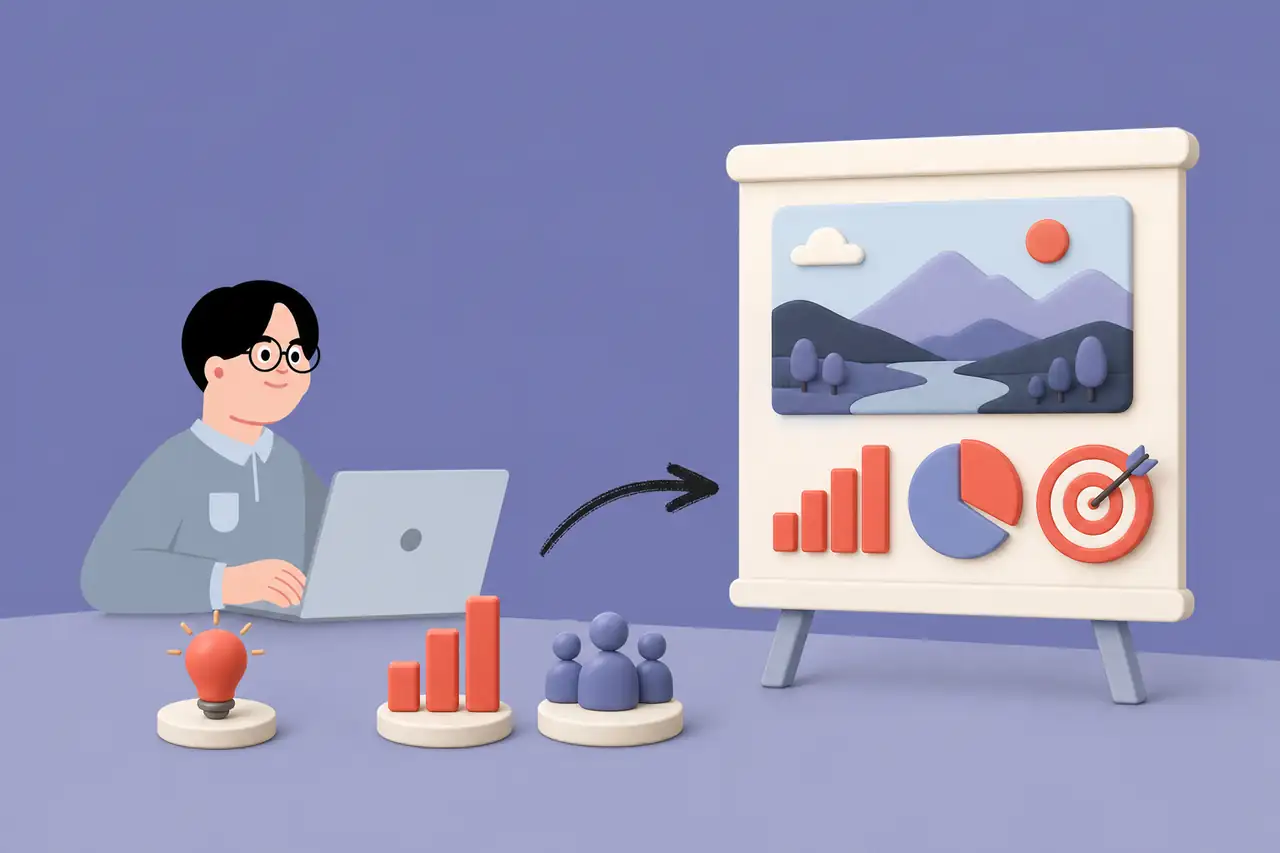
Why Choose HaiSnap for Text to PPT?
Build the Story Before You Build the Deck
Start with the point you want to make. HaiSnap helps turn it into a presentation flow with the context, main ideas, and conclusion in the right order.

Useful with a Prompt or a Detailed Outline
Use a quick sentence when you are exploring an idea, or paste the notes and sections you already have when the message needs more precision.

Keep the Focus on What the Audience Needs
Tell HaiSnap who will see the deck and what they need to understand, decide, or do. The result starts with communication, not a generic slide template.

Improve the Message Before the Final Polish
Get a coherent draft on the page early, then use your time to sharpen the argument, add evidence, and prepare for the real conversation.
A More Natural Way to Create a Presentation from Text
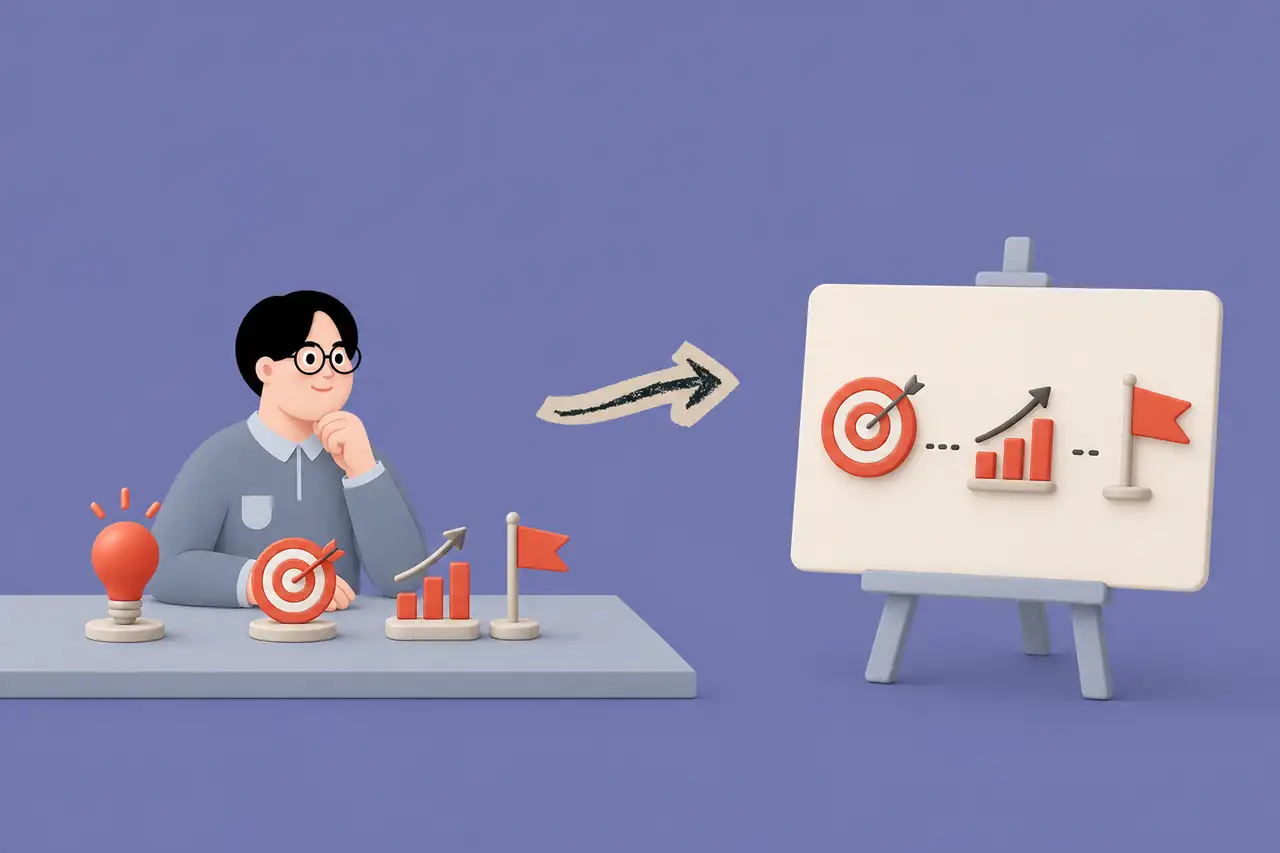
Start with the Thought, Not the Slide Layout
A presentation can begin with a sentence, a messy note, or a rough outline. Text to PPT gives you a practical first draft without asking you to decide the slide count, hierarchy, and wording all at once.

Turn a Topic into a Story People Can Follow
A good deck does more than list information. HaiSnap helps arrange the context, main point, supporting evidence, and conclusion into a sequence that makes sense for the room.

Choose the Detail That Fits Your Audience
Use a short prompt for a quick explainer or paste a detailed outline for a fuller deck. Tell HaiSnap who will see it and what they should understand, decide, or do next.

Refine a Deck Instead of Starting from a Blank File
The generated presentation is a starting point, not a locked template. Review the slide flow, improve the language, and make final changes before you present or share it.
How to Turn Text into PPT
Write Your Topic, Notes, or Outline
Describe the subject in plain language. Add the audience, purpose, important points, and any sections you already know belong in the presentation.
Generate a Slide-Ready Narrative
HaiSnap turns your text into an organized presentation draft, giving the big idea and supporting details a clearer order.
Review the Message and Make It Yours
Check the pacing, sharpen the key points, and refine the deck for the meeting, lesson, pitch, or conversation ahead.
Who Is Text to PPT For?
People with an Idea to Explain
Move from a topic or a page of notes to a clear presentation before the idea gets buried in a document or chat thread.
Product and Project Teams
Turn planning notes, status updates, product concepts, and decision briefs into decks that help a team align faster.
Founders and Small Teams
Build the first version of a pitch, roadmap, business case, or partner update when the message is still taking shape.
Educators and Trainers
Transform a lesson topic, teaching outline, or workshop plan into slides with a logical learning flow and room for examples.
Marketing and Communications Teams
Create a presentation draft from campaign ideas, messaging notes, launch plans, and creative briefs without translating every thought into slides by hand.
Consultants and Client-Facing Teams
Shape an early point of view into a discussion-ready deck before spending time on detailed formatting and final polish.
From Rough Ideas to Clearer Conversations
The outline finally has a point of view
I can usually write the campaign direction, but the blank-slide stage makes me second-guess the order. HaiSnap turns the notes into a deck with a clear story, so I can focus on whether the recommendation is strong enough.
A better first pass for a complex update
My raw notes mix decisions, risks, and details from several people. Starting with Text to PPT gives me a presentation shape quickly, then I can decide what deserves more context before the leadership review.
I can test the pitch before I design it
For an early partnership idea, I needed to know whether the argument held together before investing in a polished deck. The draft helped us spot the missing proof point and tighten the ask in one working session.
Workshop notes become a usable teaching flow
I often have the activities and examples before I have the presentation structure. HaiSnap helps me turn that material into a sequence learners can follow, while leaving space for my own facilitation style.
Less time arranging headings, more time improving the idea
When a client conversation is still evolving, I need a deck that can evolve with it. Starting from text means I can get a coherent draft on the table and refine the recommendation instead of formatting boxes for an hour.
Text to PPT Questions, Answered
What is a text to PPT generator?
A text to PPT generator turns a topic, notes, or outline into a PowerPoint presentation draft. It helps organize ideas into a slide sequence instead of requiring you to build every slide from a blank file.
How do I turn text into a PowerPoint presentation?
Enter your topic or paste your notes, explain the audience and purpose, then generate a presentation draft. Review the structure and refine the wording or slide order before you use it.
Can I paste an outline into Text to PPT?
Yes. An outline is a useful starting point because it gives the presentation a clear set of ideas to organize. You can also start with a short prompt and add details about the goal and audience.
How much text should I provide?
A few sentences can be enough for a short explainer. For a more specific presentation, include the key points, audience, goal, and any must-have sections so the draft has the right focus.
Can I edit the PowerPoint after it is generated?
Yes. Review the presentation draft and make final changes to the wording, emphasis, layout, or slide order so it fits the people you are presenting to.
What is the difference between Text to PPT and Word to PPT?
Text to PPT is designed for a topic, prompt, notes, or outline. Word to PPT is better when you already have a finished Word document that you want to reshape into a presentation.
What can I create with text to PPT?
You can create first drafts for meeting updates, pitch decks, proposals, lesson presentations, training materials, product explainers, workshop decks, and many other presentation formats.
Turn the Next Idea into a Presentation
Give HaiSnap the notes or outline you already have, then spend your energy improving the message instead of arranging the first blank slides.