
Convert JPG to PPT Online
Create a Presentation from JPG Images in HaiSnap Workspace
Start with screenshots, photos, diagrams, or scanned pages, then continue in HaiSnap Workspace to shape the material into a presentation draft for a review, class, portfolio, or meeting.
Open HaiSnap Workspace
A Workspace Entry for JPG-Based Presentations
Start a Presentation with Your JPG Images
Open HaiSnap Workspace when your presentation begins with screenshots, photos, charts, or scanned pages. It gives you a dedicated place to turn a group of visual materials into a presentation draft.
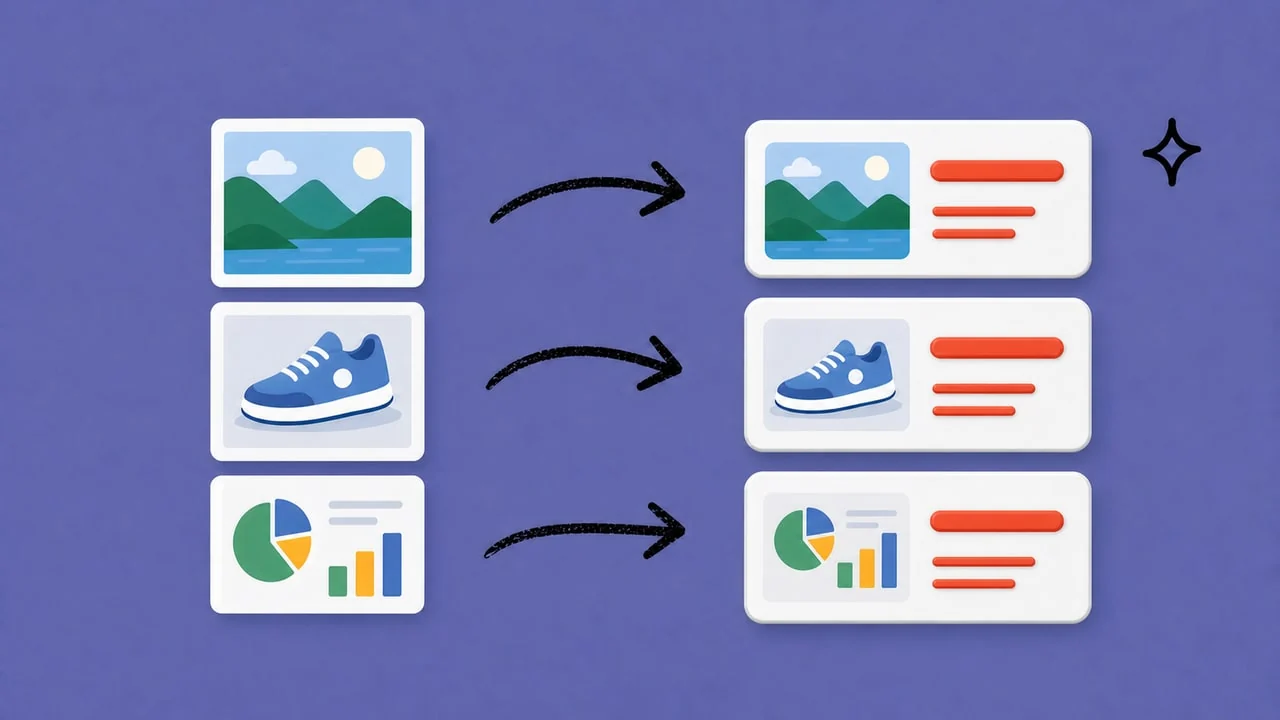
Shape the Image Sequence Around Your Story
A useful image-based presentation is more than a folder on screen. Use the workspace to develop a sequence that helps your audience follow the point, comparison, or decision behind the images.
Prepare a Draft for the Conversation Ahead
Build a presentation starting point for a client review, class, portfolio, pitch, or project update. You can then refine the visual order and emphasis for the people in the room.

Keep the Review Focused on the Material
When visuals are scattered across exports and folders, the review can lose its thread. Begin in the workspace so you can concentrate on the message, visual order, and decisions instead of file handling.

Continue the Workflow in HaiSnap Workspace
This page is an entry point to HaiSnap Workspace, where you can start working with JPG-based presentation material. Open the workspace to continue from images toward a presentation you can review and refine.
Who Uses JPG Images to Start a Presentation?

Students and Educators
Bring lecture notes, assignment pages, reference images, and scanned learning materials into a clearer presentation flow for classes, projects, or study sessions.

Marketing and Sales Teams
Use product images, campaign creatives, customer examples, and other sales materials to start a presentation for pitches, reviews, or team discussions.

Designers and Creative Professionals
Move from mood boards, mockups, storyboard frames, and design concepts toward a presentation flow that is easier to review with clients.

Photographers and Portfolio Creators
Shape photo selections, visual stories, and portfolio images into a presentation starting point for client reviews, exhibitions, or project proposals.

Project Managers and Business Teams
Use screenshots, diagrams, image-based reports, and project updates to begin a clearer presentation for meetings and progress reviews.
From Image Folders to Presentations People Can Follow
The Image Review Starts in One Shared Workspace
For a campaign review, I usually begin with product shots, ad exports, and a clear decision to make. Opening HaiSnap Workspace gives me one place to bring that material into a presentation draft, then I can focus the client conversation on the campaign rather than on passing files around.
A Clearer Starting Point for a Screen-Design Walkthrough
When a client needs to review a set of JPG screen exports, I do not want the conversation to become a tour of a folder. I start in HaiSnap Workspace, shape the images into a presentation flow, and use the draft to keep feedback on the design decisions.
The Photo Selection Has a Presentation Flow
A client review needs a sequence, not a folder of nearly identical files. In HaiSnap Workspace, I can turn the JPG selection into a presentation draft and spend the session talking through the story, pacing, and final choices.
Visual Materials Are Easier to Teach From
For a class, I may have diagrams, scanned pages, and reference images from several places. Starting in HaiSnap Workspace helps me organize that material into a presentation flow, so I can guide the session without making students follow a trail of separate files.
Property Photos Have a Clearer Path into the Meeting
Before a buyer or owner meeting, I need the property photos to feel considered rather than simply attached. I use HaiSnap Workspace to shape the JPGs into a presentation draft, then adjust the order around the parts of the property we need to discuss.
JPG to PPT Questions, Answered
What Is This JPG to PPT Page?
This page explains how JPG images can become the starting material for a presentation and directs you to HaiSnap Workspace to continue the workflow.
Where Do I Start Working with JPG Images?
Open HaiSnap Workspace from this page. The workspace is where you continue from JPG images toward a presentation draft for your specific meeting, class, portfolio, or review.
Can I Use More Than One JPG Image?
Use the workspace when your presentation needs to bring together a set of related visual materials, such as product images, screen exports, diagrams, scanned pages, or photography selections.
Can I Refine the Presentation After I Start?
Yes. Treat the presentation as a starting point for your review. The available editing and export options depend on the current HaiSnap Workspace experience.
Does haisnap.ai Upload JPG Files?
No. haisnap.ai is the public product page and Workspace entry. Continue in HaiSnap Workspace for the image-based presentation workflow.
What Can I Use This Workflow For?
Common starting points include campaign reviews, product walkthroughs, visual portfolios, classes, property presentations, and project updates built around images or screenshots.
What Images Work Well as Presentation Material?
Photographs, screenshots, scanned pages, diagrams, product images, design exports, and other JPG-based materials can all provide useful source material when the visual sequence helps tell the story.
What Is the Difference Between JPG to PPT and PPT to JPG?
JPG to PPT describes starting a presentation from image material. PPT to JPG describes exporting an existing presentation as separate image files. They begin with different source material and support different workflows.
Start Your Image-Based Presentation in Workspace
Open HaiSnap Workspace to bring JPG-based material into a presentation draft for your next meeting, class, pitch, portfolio, or review.