
AI App Builder: Turn Your Idea Into a Working App
Build a Working App from a Single Prompt
Tell HaiSnap what you want to create, from a CRM or internal tool to a dashboard or customer app. The AI app builder generates a working web app you can preview, refine through conversation, and export as source code—no coding required.
Build Your App with AI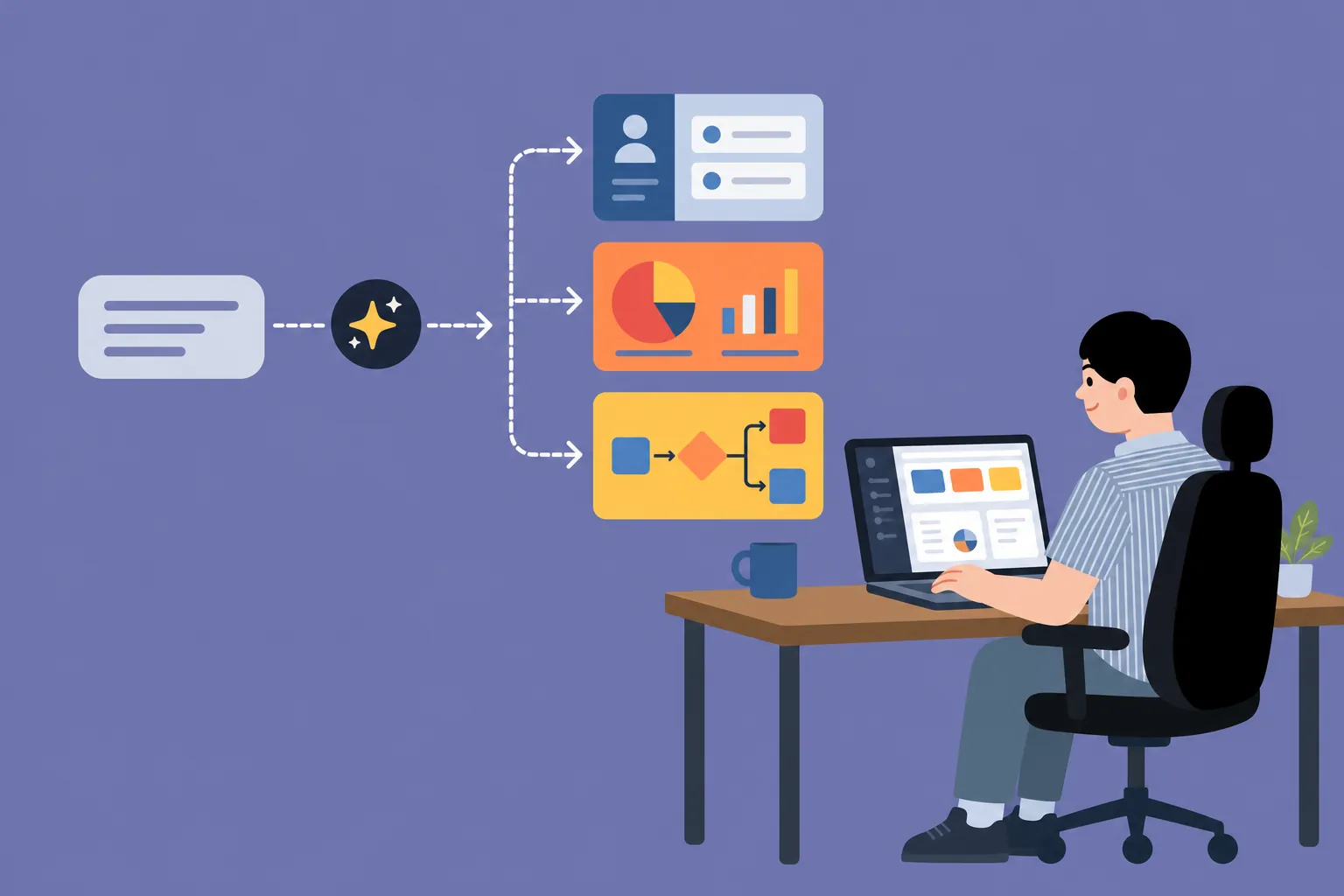
Create, Customize, and Launch with Our AI App Builder

Generate a Working App from a Simple Prompt
Describe what you want to create in plain language—whether you want to build a CRM with AI, create an internal dashboard, or test a new product idea. HaiSnap's AI app creator turns your prompt into a functional web app with connected pages, interfaces, and logic.

Customize Every Screen Through Conversation
Change layouts, fields, workflows, colors, and interactions by telling the AI app maker what to update. Refine one screen or reshape the entire experience through conversation, without editing code by hand.

Preview, Export, and Launch on Your Terms
Preview your app in the browser, test each interaction, and keep improving it until it fits your workflow. Build an AI app you can use, share, or extend by exporting the source code when you are ready.
Why Choose HaiSnap as Your AI App Builder

Start Without Coding or Technical Setup
You do not need to choose a framework, configure a development environment, or write code before you begin. Describe your goal in plain language, and HaiSnap's AI app maker gives you a practical starting point you can see and improve.

Get a Working App, Not Just a Mockup
Some tools stop at wireframes. HaiSnap creates a functional web app with connected screens, interface elements, and workflow logic, so you can test how the experience actually works.

Keep Control from First Prompt to Source Code
Your first result is only the beginning. Refine layouts, fields, interactions, and workflows through conversation, then export the source code when you want to extend, host, or hand off the app.

Build for Real Workflows, Not Just Demos
Create CRMs, admin dashboards, customer portals, trackers, and internal tools for real jobs. This makes the AI app creator useful for both quick prototypes and apps your team can continue developing.
How to Build an AI App with HaiSnap
Step 1: Describe the App You Have in Mind
Explain who will use the app, what they need to manage, and which actions it should support. You can request anything from a customer portal or internal dashboard to a complete workflow for building a CRM with AI.
Step 2: Review the Generated App
The AI app builder turns your prompt into a working structure with screens, fields, views, and connected workflows. Check that the generated app reflects your requirements before moving on to the details.
Step 3: Refine It Through Conversation
Tell the AI app maker what you want to add, remove, or change. Adjust the layout, update fields, rewrite content, or modify a workflow without editing the code manually.
Step 4: Preview, Export, and Launch
Test the app in your browser and make sure each screen and interaction works as expected. When it is ready, deploy it online or export the source code for further development, hosting, or team handoff.
What Users Say About HaiSnap AI App Builder
Clients Can Try the Idea Instead of Guessing
I used to walk clients through static screens and say, 'Imagine this button works.' Now I can give them something they can actually click. The feedback is better because we're talking about the experience, not just a picture of it.
We Tested the Idea Before Opening a Development Sprint
We had a rough idea for an onboarding tool, but I didn't want the team to disappear into a long build. I wrote down the flow in plain English, and HaiSnap gave us a working version we could react to. That made the next decision a lot easier.
Changing the Flow Doesn't Turn Into Another Ticket
The first version is never the final version, and that's normal. What I like about HaiSnap is that I can ask for a different field, screen, or step while the conversation is still fresh. I'm not writing a mini spec for every small change.
A Much Better Starting Point Than Another Spreadsheet
Most internal tools begin as a spreadsheet that everyone quietly hates. I described the handoffs, statuses, and reminders we needed, and the AI app maker turned that mess into something the team could actually follow. That's the part that won me over.
The CRM Finally Matches How We Work
Honestly, I didn't need a giant CRM. I wanted to build a CRM with AI that tracked customers, quotes, and follow-ups without making the day more complicated. HaiSnap got the basic structure right, and I could keep tweaking it from there.
I Expected a Demo. We Got Something We Could Keep Shaping
'AI app creator' sounded a bit gimmicky to me at first. Then we used HaiSnap for a client portal, clicked through the flow, and started fixing the awkward bits right away. It felt less like generating a toy and more like starting a real project.
Frequently Asked Questions About HaiSnap AI App Builder
What Is an AI App Builder?
An AI app builder turns plain-language requirements into a functional web app. HaiSnap uses your prompt to create screens, fields, views, and workflow logic that you can preview and refine.
Do I Need Coding Experience to Use HaiSnap?
No. You can generate and customize an app by describing what you need in natural language. Coding experience is only helpful if you choose to export the source code and continue developing it yourself.
How Does the AI App Maker Turn a Prompt Into an App?
The AI app maker analyzes your users, tasks, data, and desired workflow. It turns those requirements into a connected app structure instead of producing a collection of static screens.
What Types of Apps Can I Create?
HaiSnap works as a flexible AI app creator for CRMs, admin dashboards, internal tools, customer portals, trackers, forms, and other workflow-based web apps. A clear prompt helps the generated app match your needs more closely.
Can I Build a CRM With AI?
Yes. Describe the contacts, leads, sales stages, follow-up tasks, dashboards, or customer records you need. HaiSnap can turn those requirements into a custom CRM structure that you can continue refining.
Can I Edit the App After It Is Generated?
Yes. Use natural-language instructions to add or remove screens, update fields, change the layout, rewrite content, or adjust a workflow without editing the code manually.
Can I Preview the App Before Publishing It?
Yes. You can preview the generated app in your browser and test its screens, interactions, and workflows before publishing or exporting it.
Can I Export the Source Code or Deploy the App Online?
Yes. When your app is ready, you can deploy it online or export the source code for independent hosting, further development, or handoff to your team.
Turn Your App Idea Into Something You Can Use
Start with a simple prompt and let HaiSnap create a working web app you can preview, refine, and launch—no coding required.