
AI Poster GeneratorTurn a Campaign Idea into a Poster People Notice
Create Poster Directions That Make the Announcement Feel Bigger
Use an AI poster generator to turn an event, offer, launch, or campaign idea into a clear visual starting point for print, promotion, or social media.
Create AI Poster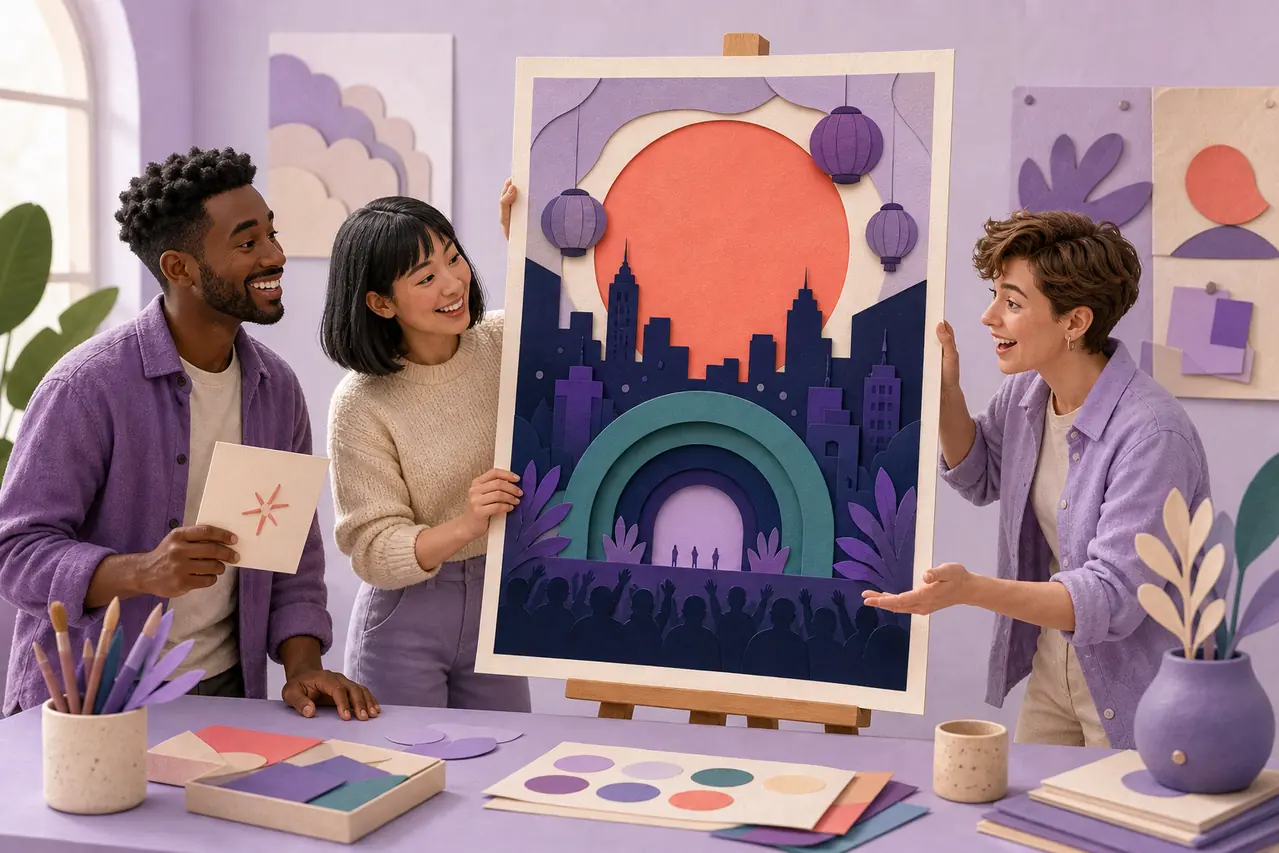
Why Use HaiSnap as an AI Poster Generator?
Start with the Poster Idea, Not a Blank Canvas
Describe the event, offer, audience, and mood you have in mind. HaiSnap gives you a visual direction for a poster without making you assemble every element from scratch.
Make the Main Message Feel More Visible
A poster needs one clear focal point. Use an AI poster maker to explore imagery, color, composition, and hierarchy that help the campaign idea stand out at a glance.

Create Visual Directions Worth Sharing
Generate a strong starting visual for a promotion, event, post, or announcement, then refine it until it feels right for the channel and people you want to reach.
From a Poster Idea to a Clear Creative Direction
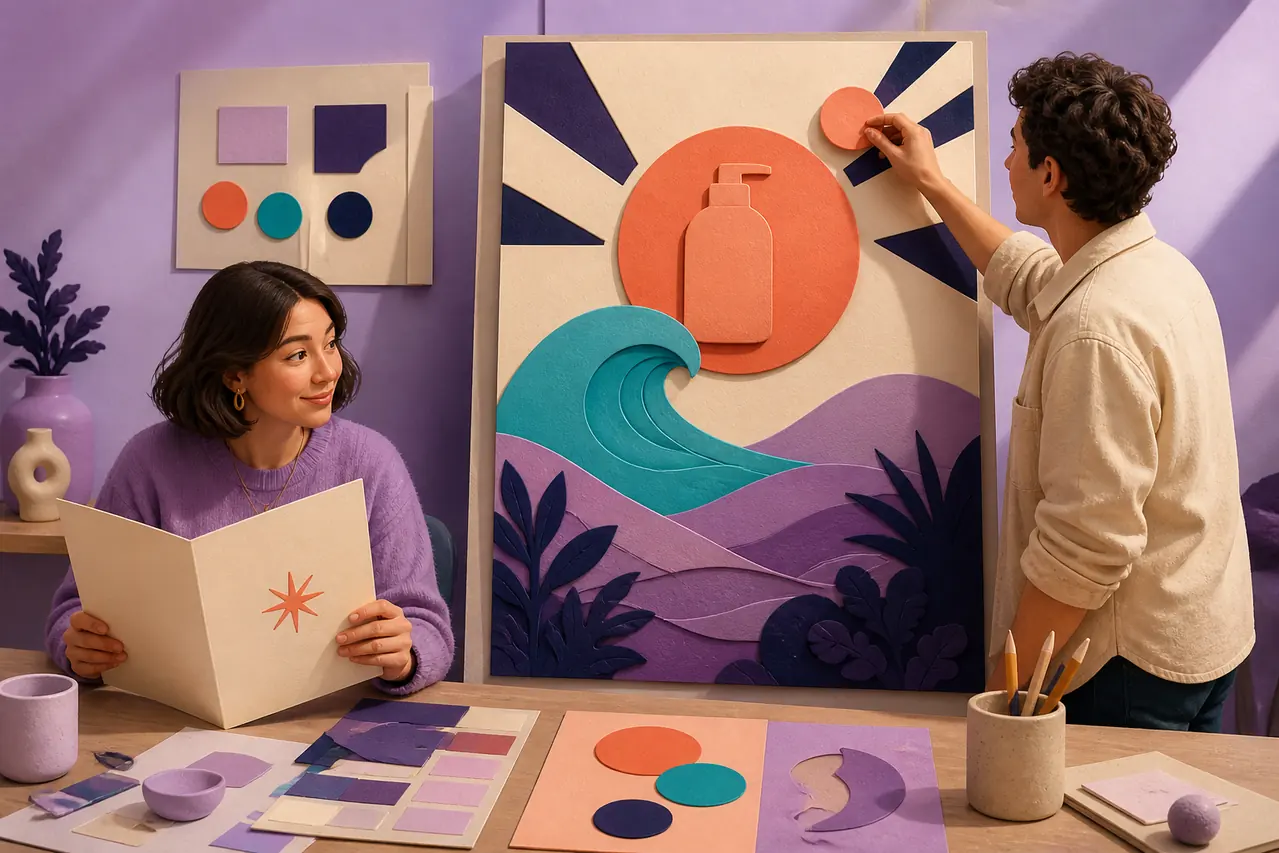
Turn a Campaign Brief into a Poster Direction
A short brief can already contain the subject, audience, occasion, and feeling the poster needs. The AI poster generator turns those cues into a concrete visual concept, so you have more to react to than a blank page.
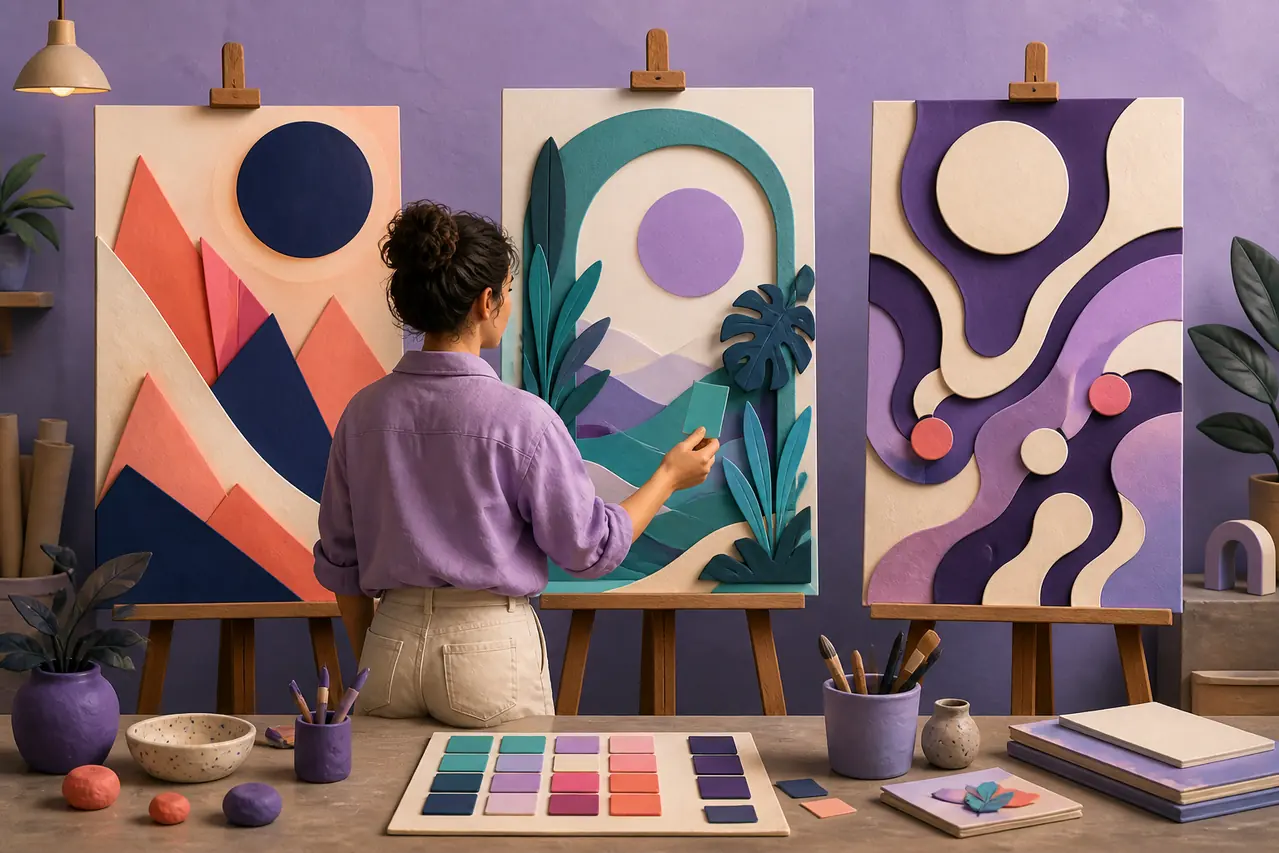
Explore Poster Styles Without Starting Over
Try a fresh direction when the first visual is not quite right. Change the mood, palette, image treatment, or composition to find a poster design that better fits the announcement you need to make.
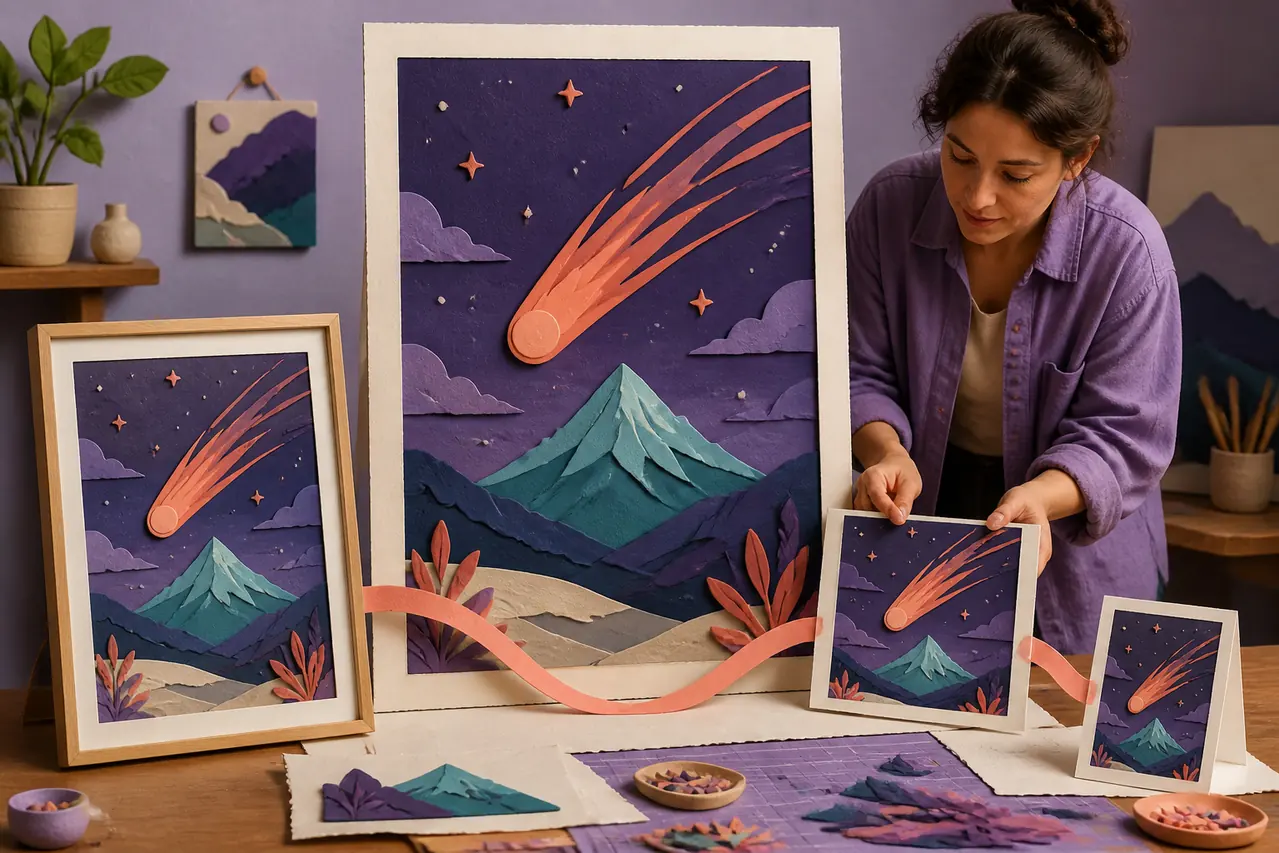
Use One Idea Across More Than One Channel
A poster can become a useful creative anchor for a campaign. Start with the central visual, then adapt the direction for social media, event promotion, product updates, or a printed announcement.
AI Poster Generator Use Cases
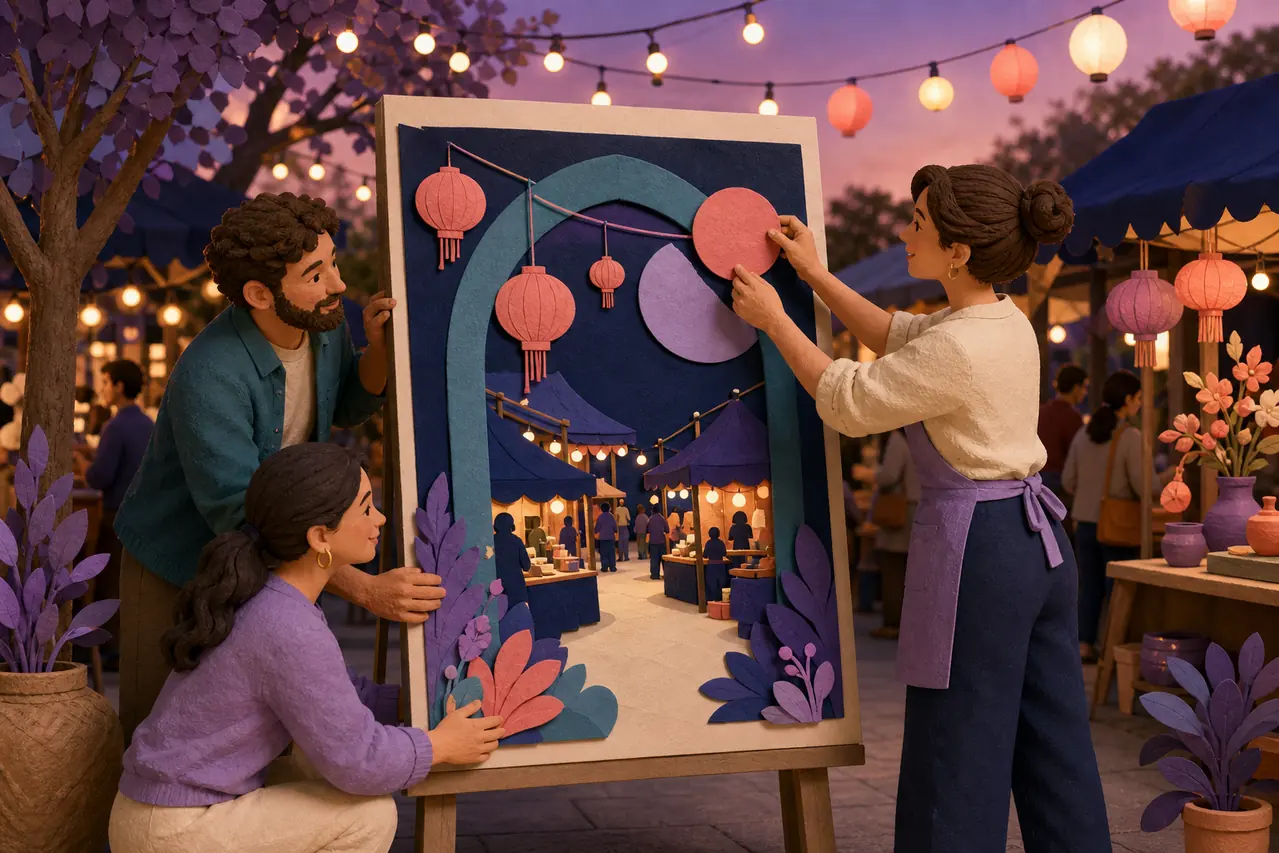
Promote an Event People Can Notice
Create an event poster concept for a concert, class, community gathering, launch, or pop-up. Give the occasion a distinct feeling before you finalize the details for print or social promotion.
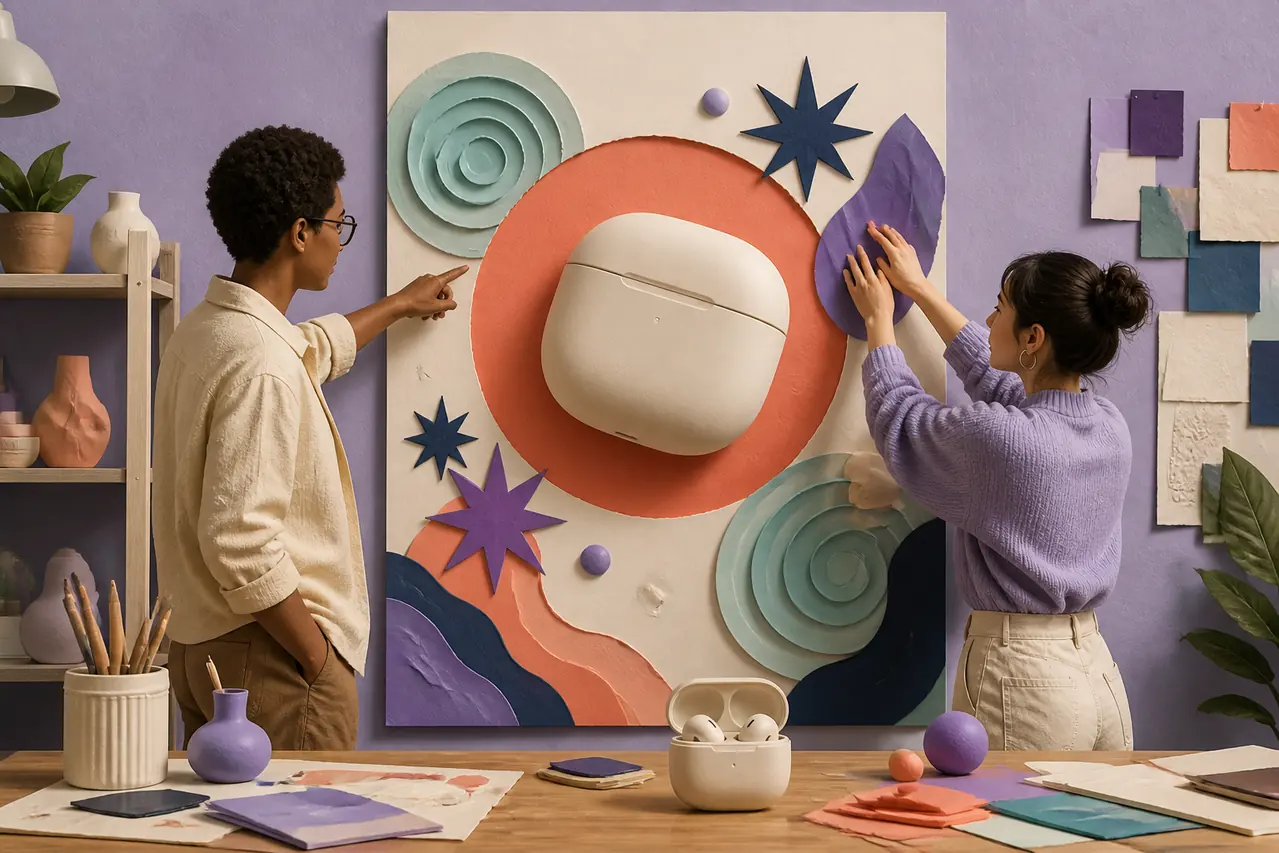
Give a Product Announcement More Energy
Turn a product launch, seasonal offer, or new collection into a promotional poster that has a focal point. Explore visual angles that make the product or offer easier to notice in a campaign.
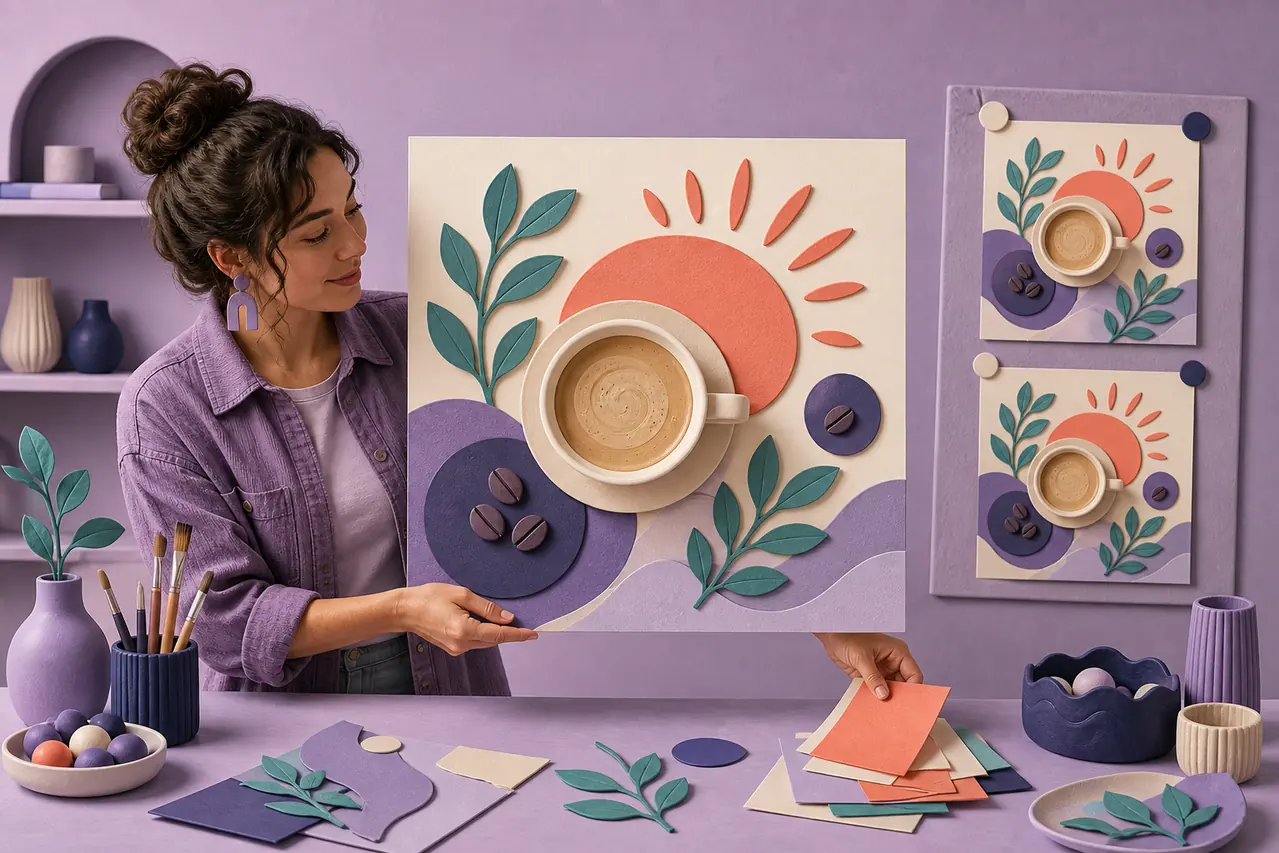
Create Social Posters That Feel On-Brand
Use a social media poster maker to turn a campaign idea into a shareable visual direction. It is useful for announcements, special offers, creator posts, and quick content moments that still need a clear look.
How to Create a Poster with AI
Describe the Poster You Need
Add the occasion, subject, audience, preferred mood, and any visual details that matter. Mention whether the poster is for an event, a promotion, a social post, or another announcement.
Generate an AI Poster Direction
HaiSnap turns the brief into a visual poster concept, giving the message, imagery, color, and composition a clearer starting point.
Refine the Look for Your Campaign
Adjust the prompt and explore new variations until the poster feels right for the channel, audience, and moment you want to promote.
Who Is the AI Poster Generator For?
Marketing Teams
Use an AI poster generator to explore campaign visuals, seasonal offers, product announcements, and event concepts before a full production cycle begins.
Small Businesses
Create poster ideas for store promotions, menus, local events, hiring notices, and launches when you need something specific without a long design handoff.
Creators and Community Organizers
Generate poster directions for posts, workshops, performances, fundraisers, classes, and community announcements that need a recognizable visual hook.
Designers and Agencies
Use AI poster design concepts to explore visual territory with a client or team, then carry the chosen direction into a more detailed design workflow.
From Campaign Ideas to Poster Directions Teams Can Use
A poster concept we could discuss on day one
For a seasonal campaign, we usually spend the first meeting describing a feeling in words. HaiSnap gave us a few concrete visual directions early, which made it much easier to decide what to develop for the final promotion.
Fast visual directions without losing the client conversation
I use the AI poster generator to put a visual idea in front of a client while the brief is still fresh. It does not replace the finished design, but it helps us agree on the mood and focal point much sooner.
The launch finally had a visual hook
I needed a poster concept for a new product drop, but stock images were all too generic. Starting from the product, color, and audience gave me a stronger campaign direction to build the rest of the launch around.
Social announcements no longer all look the same
When I am promoting a new event or weekend offer, I need a visual that stops the scroll but still feels like us. HaiSnap gives me a useful starting direction without making the post feel like another template.
A better way to test a brand mood
For early brand work, posters are great at showing whether a visual idea has enough energy. I can prompt a few directions, compare the mood, and bring the strongest references into the creative review.
AI Poster Generator Questions, Answered
What is an AI poster generator?
An AI poster generator creates a poster concept from a text description. You can describe the event, offer, subject, audience, style, and mood, then use the resulting visual direction as a starting point for promotion or design work.
How do I create a poster with AI?
Describe what the poster is promoting, who should notice it, and the visual feeling you want. Generate a direction, then refine your prompt to explore new layouts, colors, imagery, and styles until it fits the campaign.
Can I use an AI poster maker for events?
Yes. An event poster can start with the occasion, location type, audience, and mood. AI is useful for exploring a distinct visual hook for concerts, workshops, pop-ups, community events, classes, and launches.
Can I make a social media poster online?
Yes. You can create a social poster concept for an announcement, promotion, product update, creator post, or campaign moment. Describe the channel, audience, central idea, and preferred visual direction in the prompt.
What should I include in an AI poster prompt?
Include what you are promoting, the audience, the main image or subject, the desired mood, color direction, and any visual references that matter. Clear details help the result feel closer to the specific poster you have in mind.
Is an AI poster generator the same as an AI image generator?
An AI image generator can create many kinds of pictures. An AI poster generator is focused on the visual job of making an announcement, event, offer, or campaign idea feel noticeable and compositionally clear at a glance.
Can I use AI-generated poster concepts for marketing?
Yes. AI poster concepts can help you explore campaign directions for marketing, events, product announcements, social content, and local promotions. Review and refine the result so it fits your brand and the channel where it will appear.
Give Your Next Announcement a Stronger Visual Starting Point
Describe the campaign moment, then use HaiSnap to explore a poster direction that makes the idea easier to see, share, and develop.