



Convert Word to PPT Online
Turn Word documents into a clear, editable PowerPoint presentation without rebuilding the story slide by slide.
From Word Document to Presentation-Ready PowerPoint
Use the content you already have. HaiSnap helps turn Word reports, proposals, research, and training materials into a focused slide deck you can refine for your audience.
Convert Word to PPT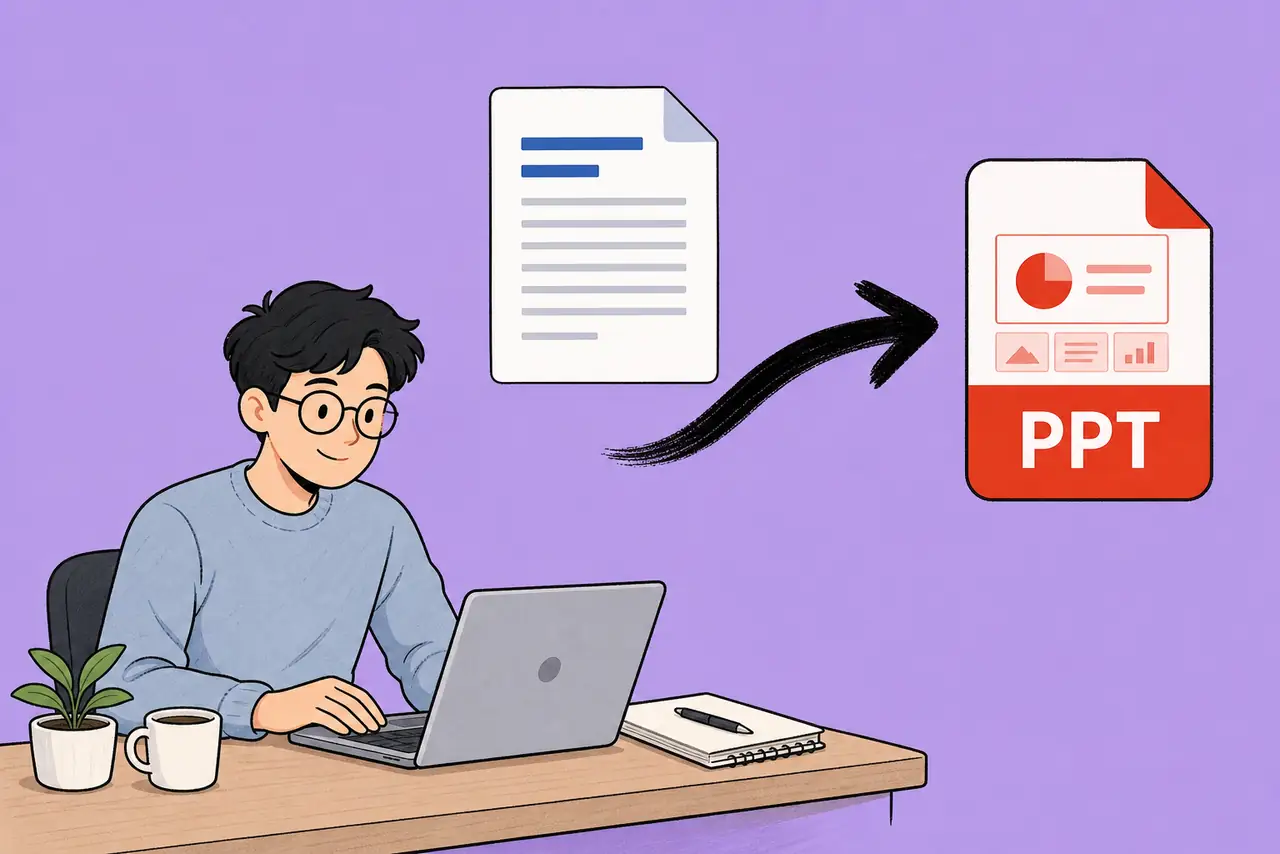
A Simpler Way to Convert Word to PPT
Turn Word Documents into a Clear Slide Structure
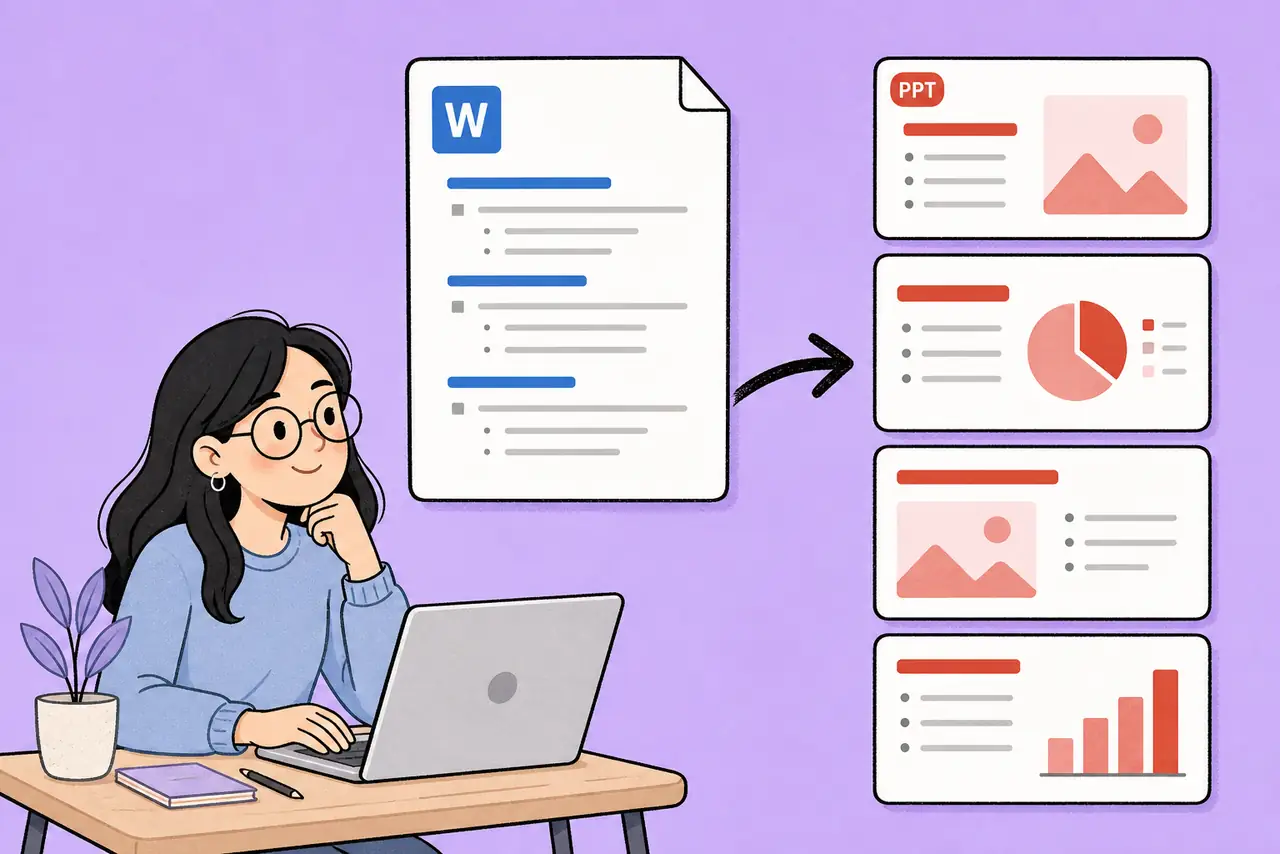
Upload a Word document or describe the material you want to present. HaiSnap identifies the main ideas and turns long-form content into a logical presentation flow.
Make Dense Documents Easier to Present
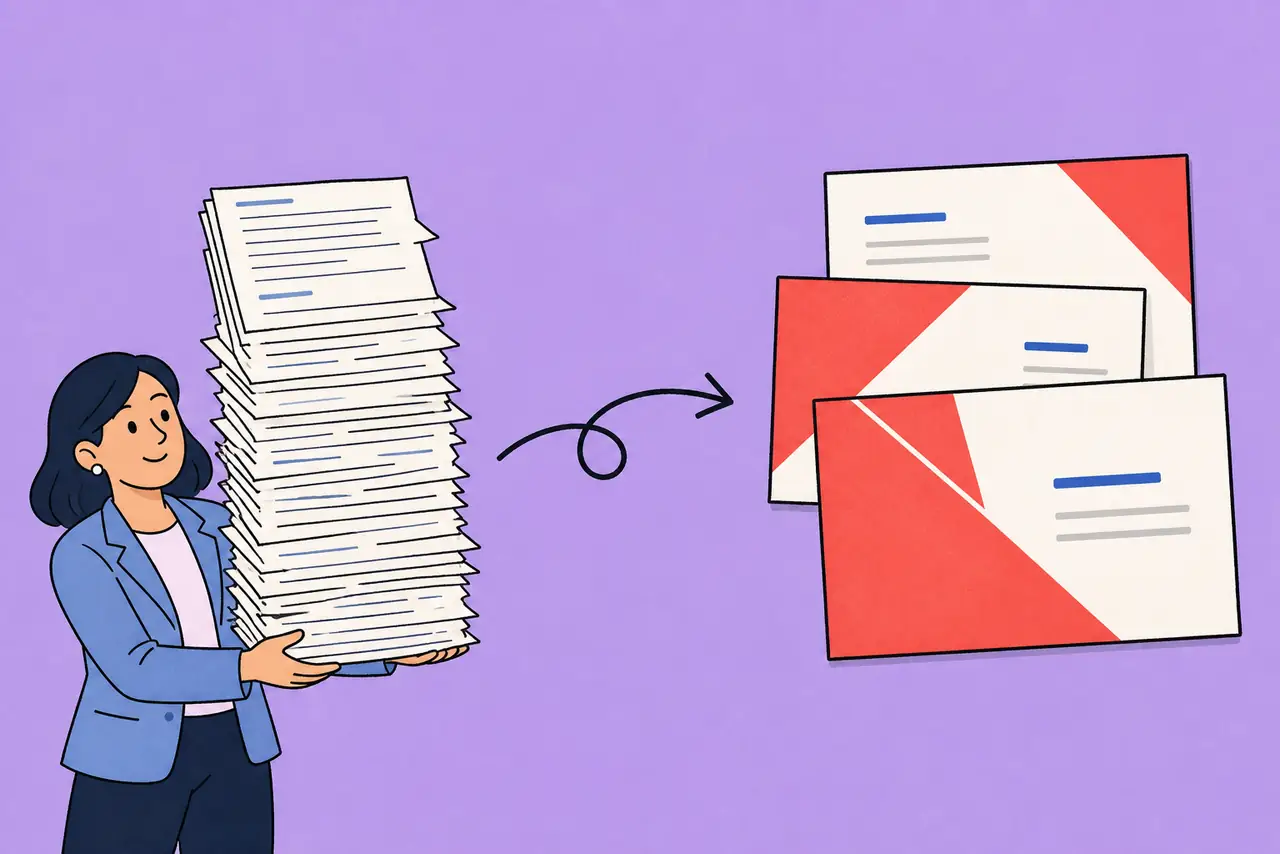
Reports, proposals, research, and training documents are written to be read. Word to PPT reshapes them into focused points your audience can follow in a meeting or class.
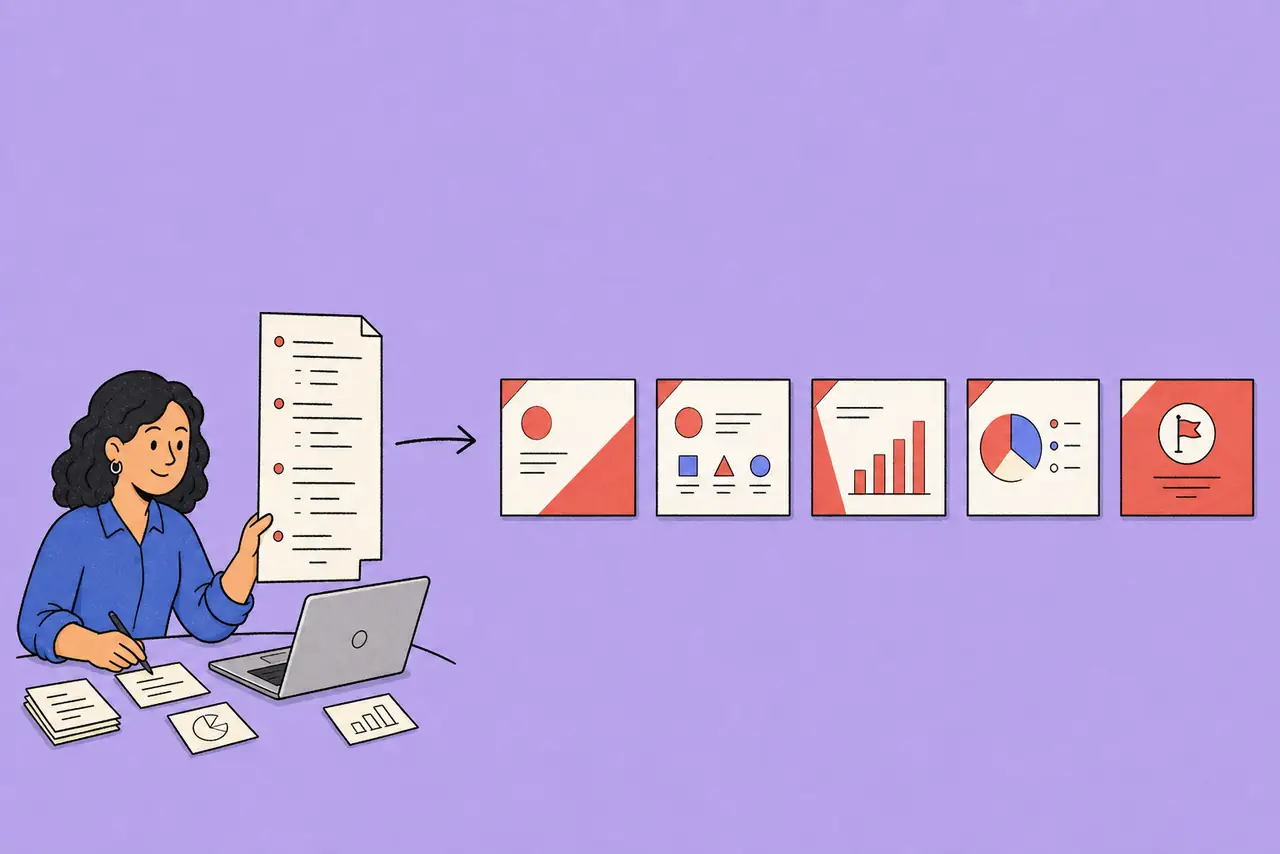
Keep the Story, Lose the Manual Slide Work
Start with the content you already wrote instead of rebuilding it slide by slide. Get a useful first draft, then refine the message, order, and emphasis before you present.

Download an Editable PowerPoint Presentation
Use the generated deck as a practical starting point for your next presentation. Make final edits in PowerPoint and adapt the slides to your team, brand, or audience.
How to Convert Word to PPT
Upload Your Word Document or Describe Your Topic
Add a Word file when you have finished source material, or enter the subject and audience when you are starting from an outline.
Generate a Presentation Draft
HaiSnap organizes the content into a slide-ready narrative, so the most important points are easier to understand and present.
Review, Refine, and Present
Adjust the deck to suit your audience, then download an editable PowerPoint file for your meeting, class, or client presentation.
Who Is Word to PPT For?
Business Teams
Turn Word reports, meeting summaries, plans, and proposals into presentation drafts for updates, reviews, and stakeholder conversations.
Consultants and Agencies
Convert client research, strategy documents, and recommendations into a clearer presentation before a workshop, review, or pitch.
Students and Educators
Bring essays, lesson plans, research papers, and class notes into a structured PowerPoint format that is easier to explain.
Sales and Marketing Teams
Create deck-ready versions of campaign briefs, product documents, sales proposals, and customer-facing materials without starting from a blank file.
Project Managers
Transform project documentation into a concise set of slides for status meetings, decision reviews, and kickoff sessions.
Anyone with a Document to Present
Use Word to PPT when the content already exists in a document and the next step is communicating it clearly to a group.
From Long Documents to Presentations People Can Follow
A campaign brief becomes a deck we can discuss
Our campaign briefs have the strategy and the details, but turning them into a client presentation used to be a separate task. HaiSnap gives me a structured first draft, so I can spend my time sharpening the recommendation.
Research is easier to teach when it has a narrative
I often begin with a long Word document full of notes and references. Turning it into slides helps me find the teaching sequence and gives students a much clearer way into the material.
The key findings stop getting lost in the report
A written analysis is useful, but a meeting needs the conclusion much sooner. HaiSnap helps me reshape a Word report into a concise deck where the main changes and decisions are easy to see.
Workshop materials arrive in a more usable format
My source documents are often detailed because facilitators need the context. HaiSnap gives me a presentation version that keeps the essential ideas visible while leaving room for discussion and activities.
Board updates no longer start with blank slides
We already write our monthly update in Word, so rebuilding it in PowerPoint felt like duplicate work. HaiSnap turns that document into a strong presentation starting point that I can edit before the meeting.
Word to PPT Questions, Answered
What is a Word to PPT converter?
A Word to PPT converter turns the content in a Word document into a PowerPoint presentation. It helps organize long-form material into a slide-ready structure instead of requiring you to copy and format each section manually.
How do I convert Word to PPT online?
Upload your Word document or describe the material you want to present, generate a presentation draft, and then review and refine the result for your audience before downloading it.
Can I turn a Word report into a PowerPoint presentation?
Yes. Word to PPT is useful for reports, proposals, research papers, meeting summaries, lesson plans, and other documents that need to become a clearer presentation for a group.
Will every paragraph become a slide?
No. A useful presentation needs a clear narrative rather than a slide for every paragraph. The goal is to identify the main sections, supporting points, and conclusions that should be presented.
Can I edit the PowerPoint after conversion?
Yes. Review the presentation draft and make any final wording, layout, or slide-order changes needed for your audience before you present it.
What kinds of Word documents work well?
Business reports, project proposals, research summaries, training materials, lesson plans, sales documents, and meeting notes are all good starting points for a PowerPoint presentation.
What is the difference between Word to PPT and AI PPT?
Word to PPT starts with an existing Word document. AI PPT is better when you have an idea, outline, or prompt and want to create a presentation without a source document.
Turn Your Next Word Document into a Presentation
Start with the report, proposal, notes, or research you already wrote, then create a clearer PowerPoint draft for the people in the room.