
AI Document GeneratorTurn Notes and Ideas into Work-Ready Documents
Create a Clear Document Without Starting from a Blank Page
Bring the context you already have. HaiSnap helps turn prompts, notes, outlines, and reference material into a structured document draft you can review, customize, and use for real work.
Generate a Document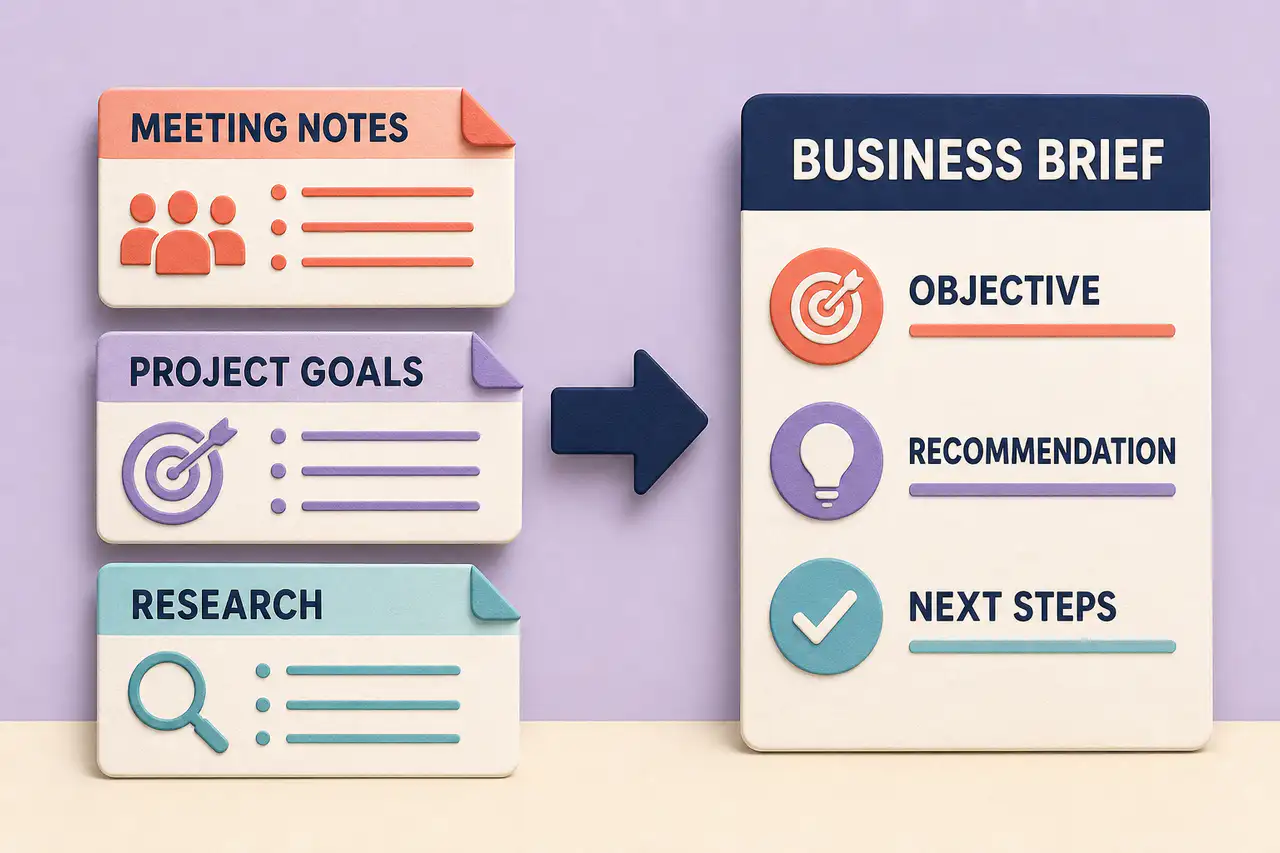
A More Useful Starting Point for Everyday Documents
Start with a Prompt, Outline, or Source Notes
Give the AI document generator the context you already have: a rough idea, meeting notes, a pasted outline, or reference material. You do not need to format everything before you begin.
Shape the Structure Around the Job
Tell HaiSnap the audience, purpose, tone, and sections you need. The AI document creator can turn that direction into a readable draft instead of a generic block of text.
Keep the Draft Easy to Review and Refine
Use the generated document as a working first draft. Check the facts, adjust the wording, add your judgment, and keep refining until the document fits the people who will use it.
From Working Notes to Documents People Can Use
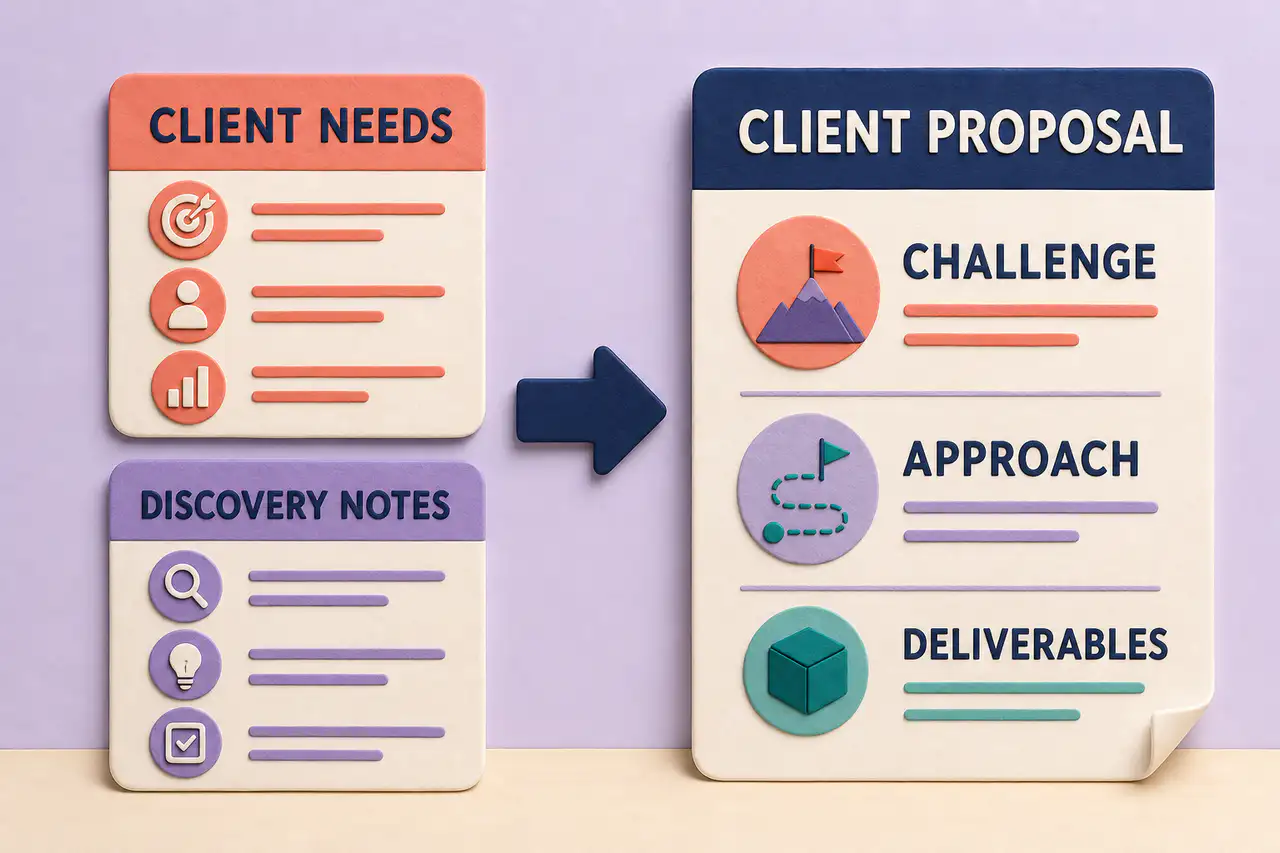
Move from Discovery Notes to a Client Proposal
Start with what the client needs and what you learned in discovery. Shape that raw context into a proposal that explains the challenge, recommended approach, and deliverables.
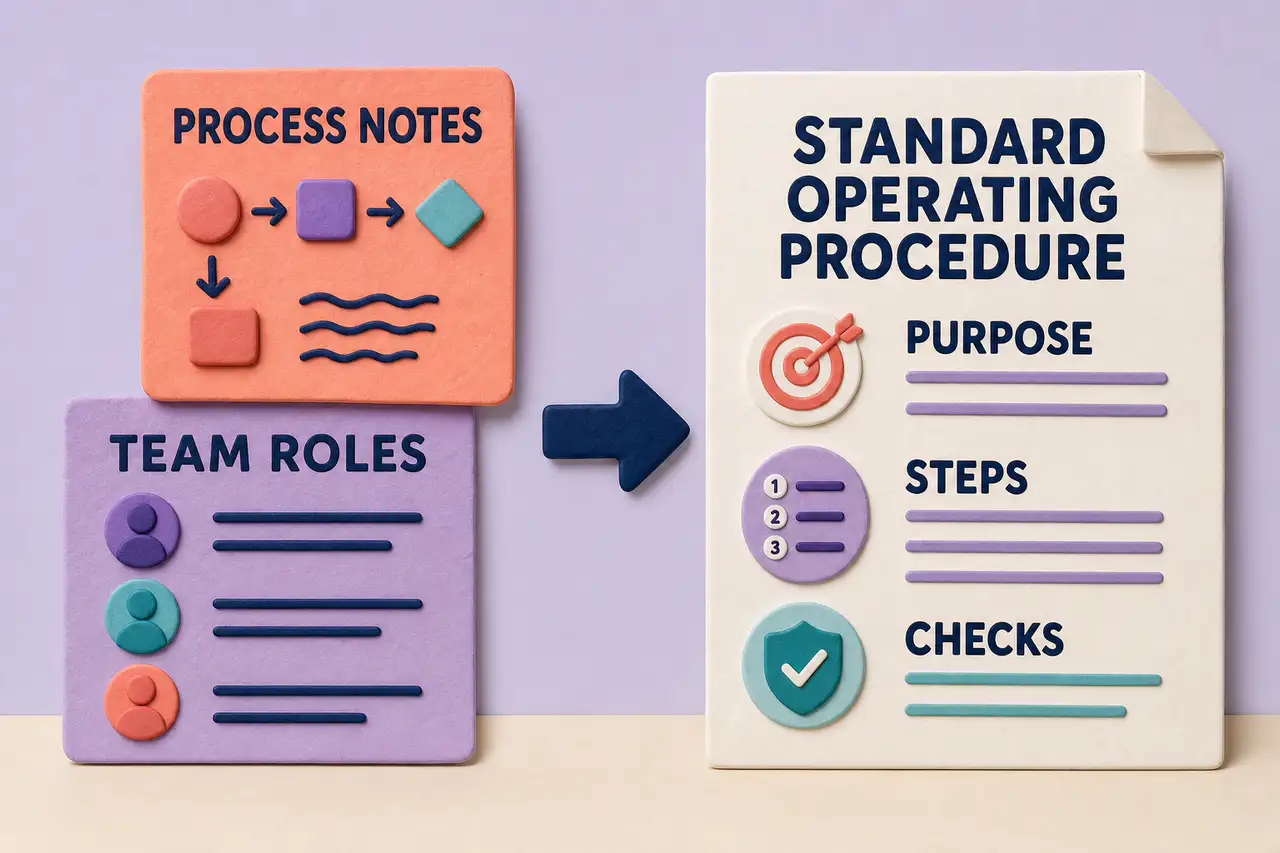
Document a Repeatable Process People Can Follow
Turn process notes and team roles into an SOP with a clear purpose, practical steps, and checks. Keep the workflow usable for the people responsible for carrying it out.
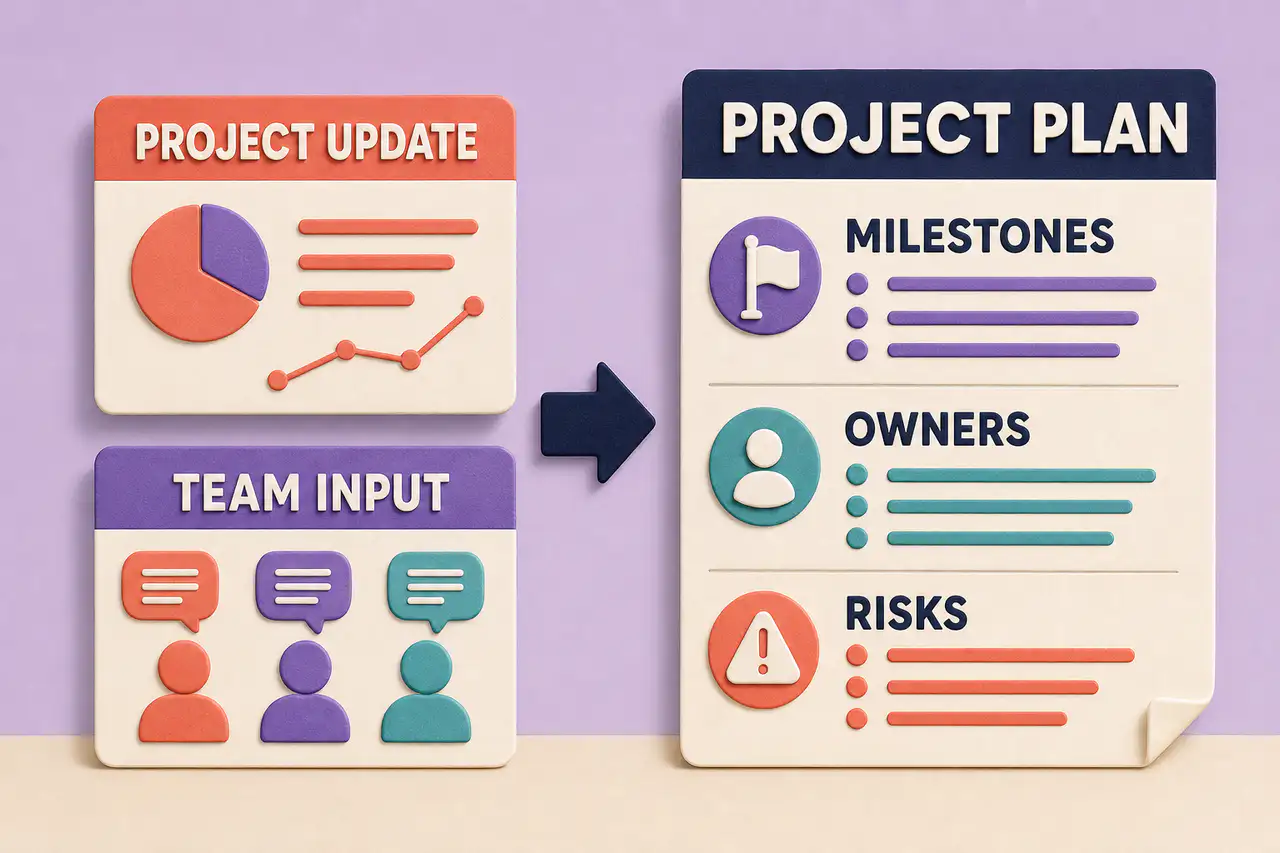
Make Project Updates Easier to Act On
Turn a project update and team input into a plan that makes milestones, owners, and risks visible. Give the next conversation a document everyone can use to align on what happens next.
Documents for the Work in Front of You
Business Documents
Create internal briefs, decision memos, business cases, planning documents, and operating updates from the context your team already shares.
Proposals and Client Work
Turn discovery notes into a clear proposal with the problem, recommended approach, deliverables, timeline, assumptions, and next decision.
SOPs and Process Guides
Document repeatable workflows with purpose, roles, prerequisites, steps, quality checks, and the exceptions people need to handle.
Meeting and Project Documents
Convert meeting notes, project updates, and rough plans into documents that make decisions, owners, milestones, and open questions easier to follow.
How to Use the AI Document Generator
Describe the Document You Need
Share the topic, audience, purpose, source material, preferred tone, and any sections that must be included. The more useful context you provide, the more useful the first draft can be.
Generate a Structured Document Draft
HaiSnap organizes your input into a document with a clear hierarchy, practical sections, and wording that matches the job you described.
Review, Customize, and Use the Result
Verify important details, make the language your own, and adjust the document for the people who will read, approve, or follow it.
When the First Draft Starts Closer to the Real Work
The first draft finally reflects the brief we discussed
I can start with the audience, the decision we need, and the notes from the call. The AI document generator gives me a useful structure to edit instead of another empty page.
The project details are easier to hand to the next person
Our work notes are usually spread across updates and meeting threads. Turning them into a structured document makes owners, dependencies, and open questions much easier to review.
A proposal can become a real conversation sooner
I can move from discovery notes to a clear proposal outline quickly, then spend my time checking the recommendation and tailoring the story for the client.
AI Document Generator Questions, Answered
What is an AI document generator?
An AI document generator turns a prompt, outline, notes, or reference material into a structured document draft. HaiSnap is designed for practical documents such as briefs, proposals, SOPs, project plans, and meeting recaps.
Can I generate a document from notes or an outline?
Yes. Paste your notes or outline, explain the audience and purpose, and ask for the sections you need. The AI document generator can use that context to create a more useful first draft.
Is this an AI document generator free to use?
HaiSnap lets you start with the AI workspace. Availability of free generations, file uploads, and account features may depend on the current plan and product limits.
What types of documents can I create?
You can create business briefs, proposals, SOPs, process guides, project plans, meeting recaps, decision memos, research drafts, and other structured work documents.
Can I use an AI document creator to edit the draft?
Yes. Treat the generated document as a working draft. Review facts, change the tone, add missing context, remove sections, and refine the wording before you share or use it.
What is the difference between an AI document generator and an AI report generator?
An AI report generator focuses on analysis, findings, summaries, and reporting. An AI document generator covers a broader set of documents, including briefs, proposals, SOPs, plans, memos, and meeting documents.
Give Your Next Document a Better Starting Point
Bring the notes, outline, or source material you already have. HaiSnap helps shape it into a structured document draft you can question, refine, and make your own.